Assess Classes page (for instructors)
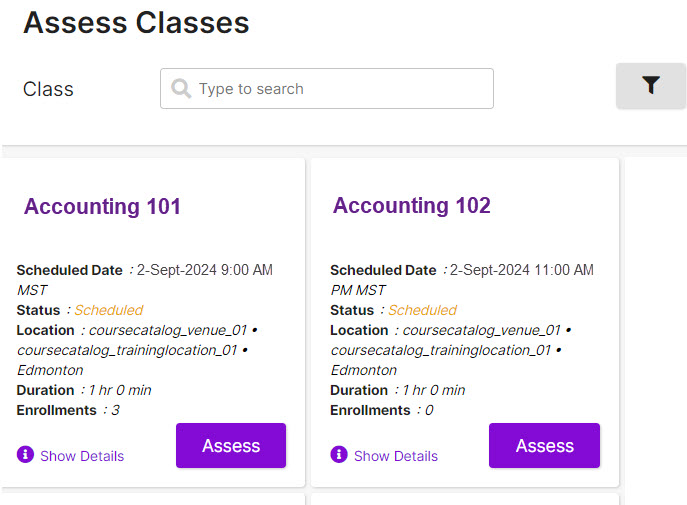
Instructors can use this dashboard to:
- View currently-scheduled classes and enrollments
- Enter attendance and completion records for completed classes
The dashboard is searchable (title, location) and can be filtered by start date. By default, classes shown go back one month but you can filter for a custom start date range.
The Show Details link shows details, including a link to view classes sessions (if multiple sessions are offered.)