View your profile
- From the header, click your avatar, and then click Profile. The Profile page opens.
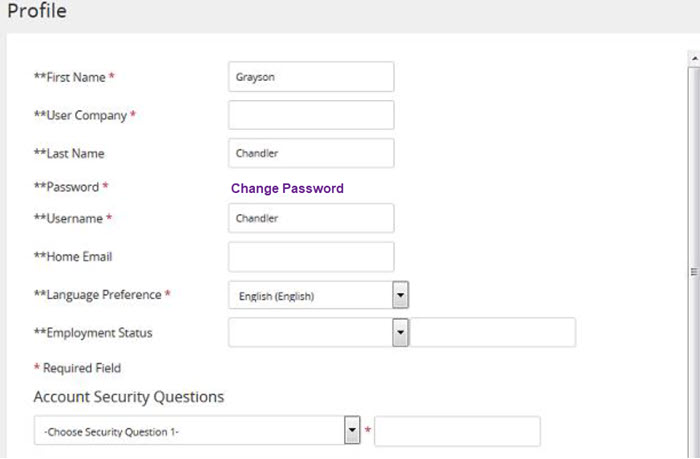 The Profile page provides details about your user account in Rival Learn, including your:
- First and last name
- Company
- User name, password information, and security questions
- Language preferences Your current student group memberships are also listed along with available student groups you can join. If a student group requires an authorization code to join, you can enter it here as well.