Download an invoice
- From the Student Portal navigation bar, click Invoices. The Invoices page opens.
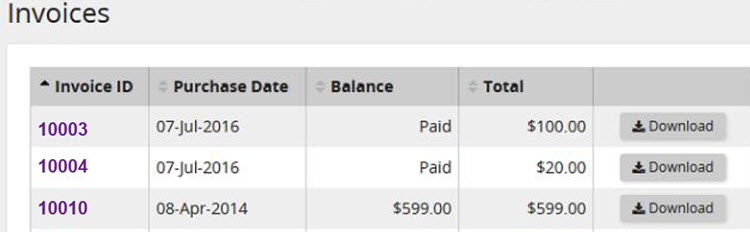 Use this page to view or download your paid invoices or invoices with outstanding balances.
 - In the data grid beside an invoice, click Download. The invoice is downloaded to your computer.