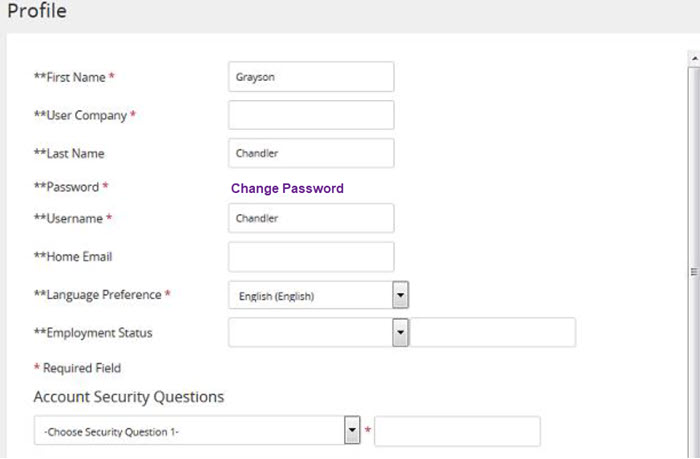
From the header, click your avatar, and then click Profile. The Profile page opens. The Profile page provides details about your user account in Rival Learn, including your:
First and last name
Company
User name, password information, and security questions
Language preferences Your current student group memberships are also listed along with available student groups you can join. If a student group requires an authorization code to join, you can enter it here as well.
In the First Name and Last Name fields, make changes as necessary.
 The Profile page provides details about your user account in Rival Learn, including your: