Download a training report
- From the Student Portal navigation bar, click Training Reports. The Training Reports page opens.
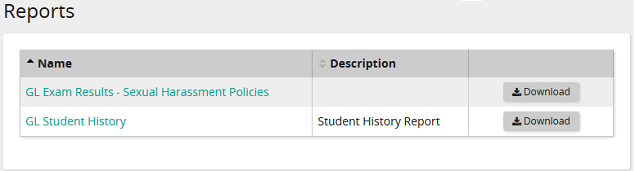 Use this page to view and download your training reports. The reports vary based on the reports your system administrator has enabled for viewing.
 - In the data grid beside a report, click Download. The report is downloaded to your computer.