Banner image
Key info
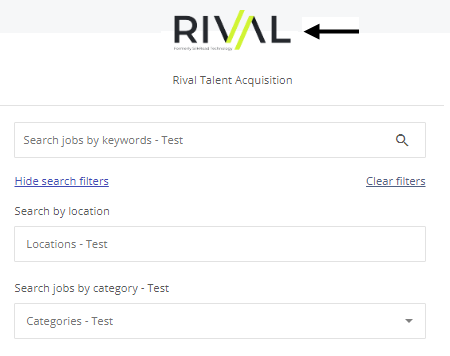
- A banner image appears at the top of a career site.
- You can choose to have no banner image, the default Rival image, or upload a custom image.
- It can be a png, jpeg, jpg, gif, or svg.
Good to know
- A custom banner image can be centered or span the page.
- You can choose to show banner on all screen sizes (including mobile devices).
- You can choose to display banner image on all pages in Candidate Experience.