Electronic signature
You can capture an applicant's electronic signature and signed date directly on the Candidate Experience applicant form. Just add the Signature and Signed Date elements to your configurable application form.
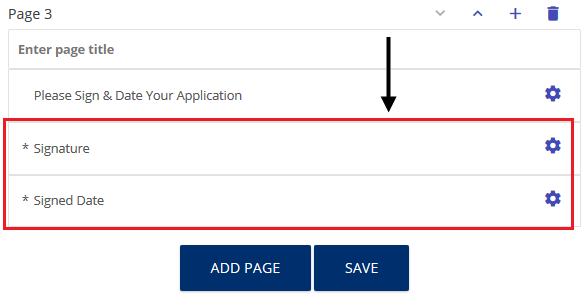
You can set the fields to required or optional. You can also change (customize) field labels.