Texting
If you purchased the texting feature in Rival Recruit, there is no required setup in Candidate Experience as long as your configurable application form includes the Primary Phone field. (This is because the system automatically adds the opt-in check box.) If you are switching to the Candidate Experience career site after texting is enabled, verify that the Primary Phone field is part of your configured application form. If it is there, no action is required. If it is not, add it to your configured application form.
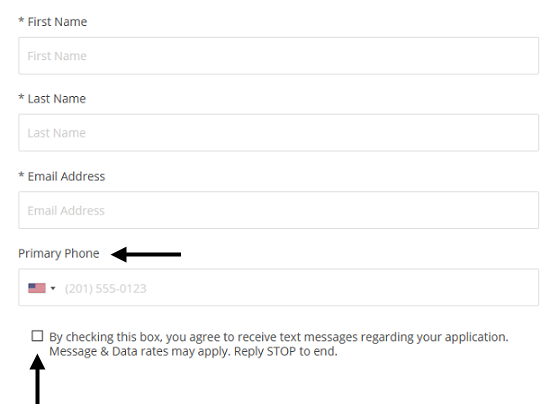
If you want to present additional informational text/instructions about the SMS functionality to applicants, you can add a Rich-Text field to your configurable application form above or below the Primary Phone field to relay that information.