Presubmission text overview
Presubmission text provides important information to applicants before they click APPLY on the Job Details page. Some examples: submission process info, submission withdrawal info, and company GDPR policy.
Here is a sample:
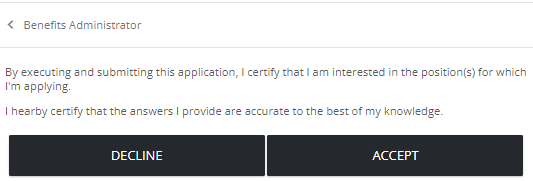
Key info
- Presubmission text is saved as draft until you publish it.
- Published presubmission text is considered live. Job seekers see it as the first page of the application process after they click the Apply button.
- You can only have one live presubmission text page per locale.
Good to know
- Draft presubmission text can be edited. Published (live) and archived presubmission text cannot be edited.
- You can clone an existing live and archived page, make edits, and then publish to replace the live version. (Click
 to view, then clone.)
  (add),
  (edit),
  (clone draft),
  (publish),
  (delete draft), (view live, archived),
  (archive)
- Archiving live presubmission text inactivates it and removes it from the application process. No presubmission text is presented to applicants.