Add a GIF to your emails and email templates
- You can add GIFs to your emails and email templates.
- You will need the URL for the GIF that ends in .gif (usually called the direct link or GIF download URL).
- Create a new email or new email template.
- Click
 . The Image Properties box opens.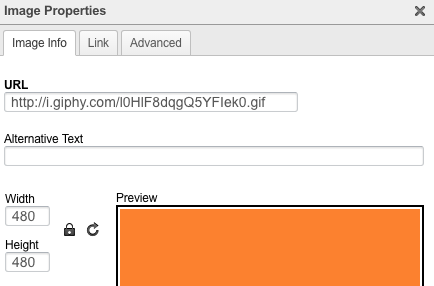
- In the URL field, enter the URL for the GIF. You should see your GIF previewed in the Preview panel. If not, you may not have the correct URL ending in .gif.