Reviewing Candidates
To review candidates in your queue click the review button on an active job.

Once on the candidate review page, you have the following options.
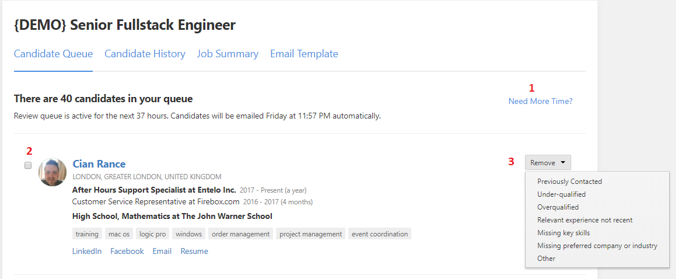
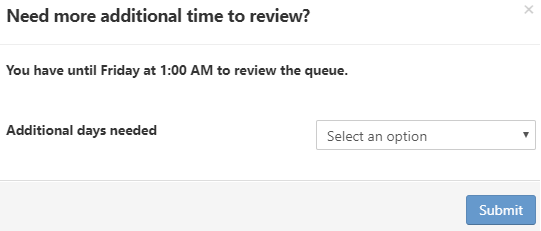
- Don’t have enough time to review the candidates in your queue, click this and you’ll be able to select how many more days you need to review the candidates.
- Checking this box will allow you to select multiple candidates and perform the actions from the next point in bulk.
- You can remove candidates from the queue and leave feedback as to why you wanted to remove the candidate to improve future results.
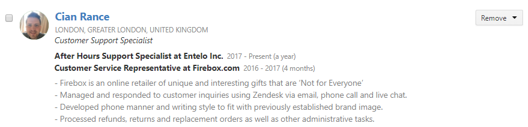
To view the full profile of the candidate simply click on their name. Clicking anywhere else inside the box will expand the summary to show information on their previous experience.