One-Way Integration with Greenhouse
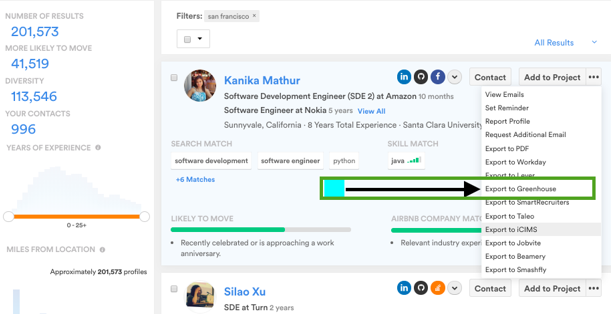
Complete a Basic Candidate Search or one you’ve already created and click on the top 3 dots next to "Add to Project" to begin the setup process.
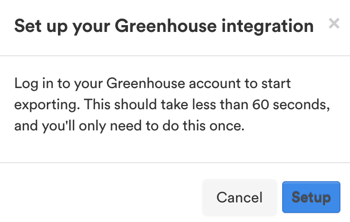
The system will bring give a pop-up window. Please select the "Setup" option.
Once you click on setup it’ll bring you to this page and click on "Save and continue".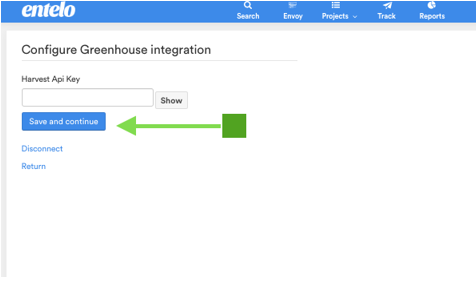
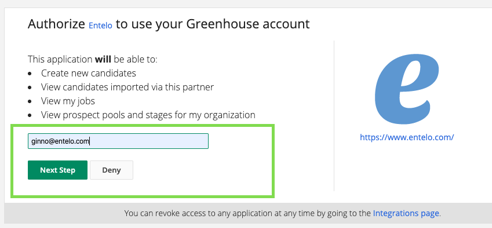
Type in your email for GH and click on the "Next Step" button.
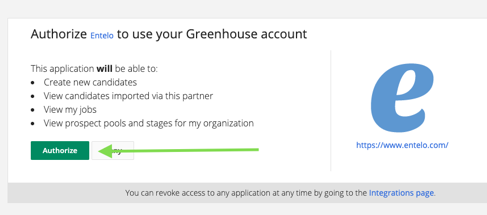
Now click on "Authorize"
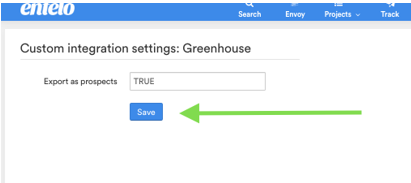
You’ll be brought to this page below and click on "Save" - now you’ll be able to complete your first export.
Now you’re ready to set up your Greenhouse CRM - which you’ll follow the exact same steps above to export candidates to specific pools within Greenhouse vs. Actual jobs within the Greenhouse ATS.
Now that’s done with both Greenhouse Installations - Now you’re ready to export your first candidate.
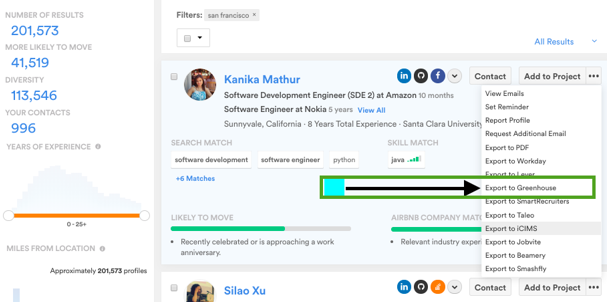
Click on "Export" and find the specific pool in Greenhouse by clicking on the drop-down menu.
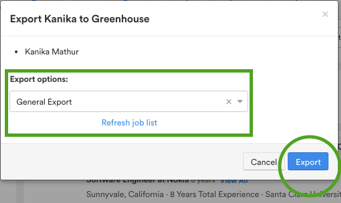
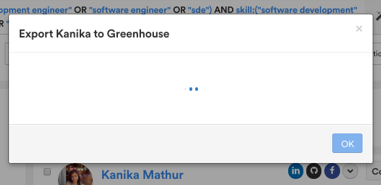
Now that you'll click on the export button a new page will come up and once this disappears
- if you can please check your GH for that candidate.
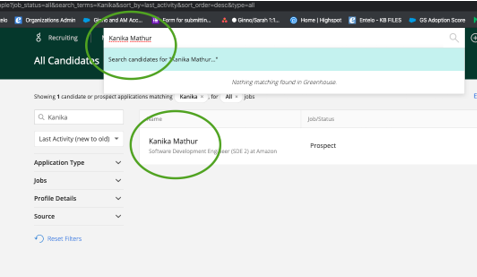
Now login into your Greenhouse and make sure that you only type in their first and last name to search through your current environment to make sure they were added correctly.