How to Authenticate Outlook 365
Once your Customer Success Manager has enabled your Outlook 365 integration on the backend, the integration will require authentication. To authenticate, log in and follow these steps:
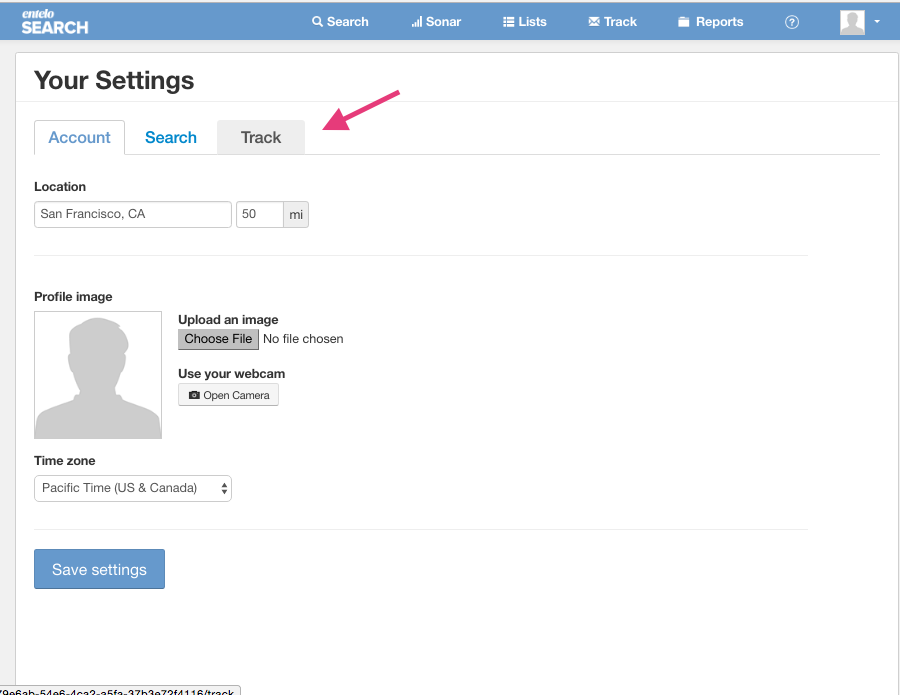
- Click "Your Settings"

- Click "Track"
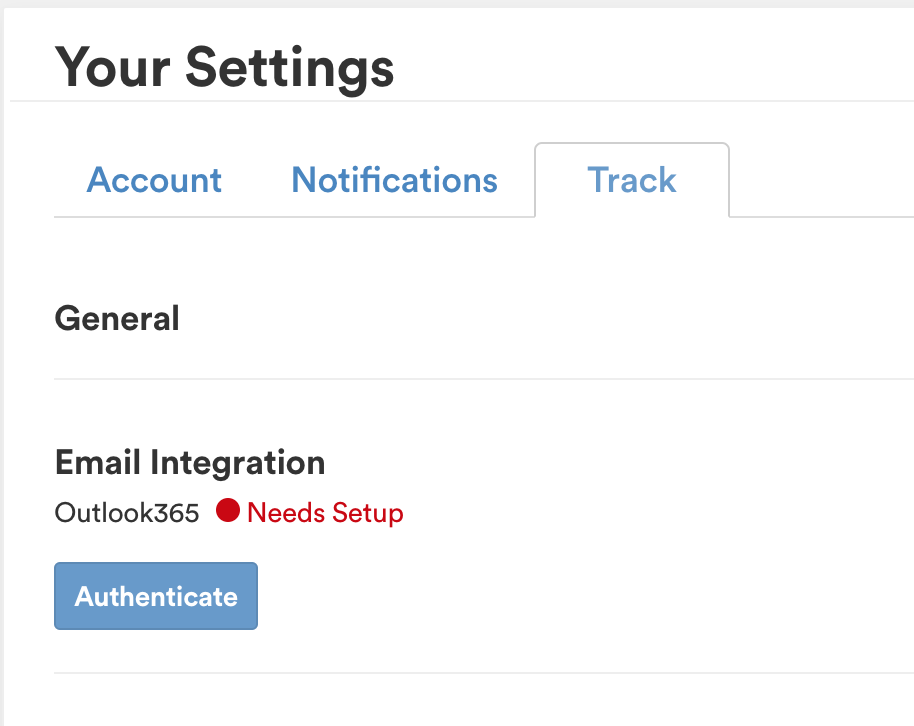
- Click "Authenticate"
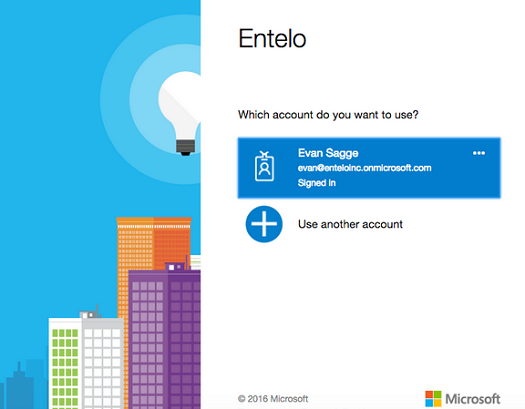
- Select the account you want to use, this should be the same account you used to log in to Rival Search.
 If instead during this process, you see an error message of "Need Admin Approval", please follow the instructions in this help desk article.