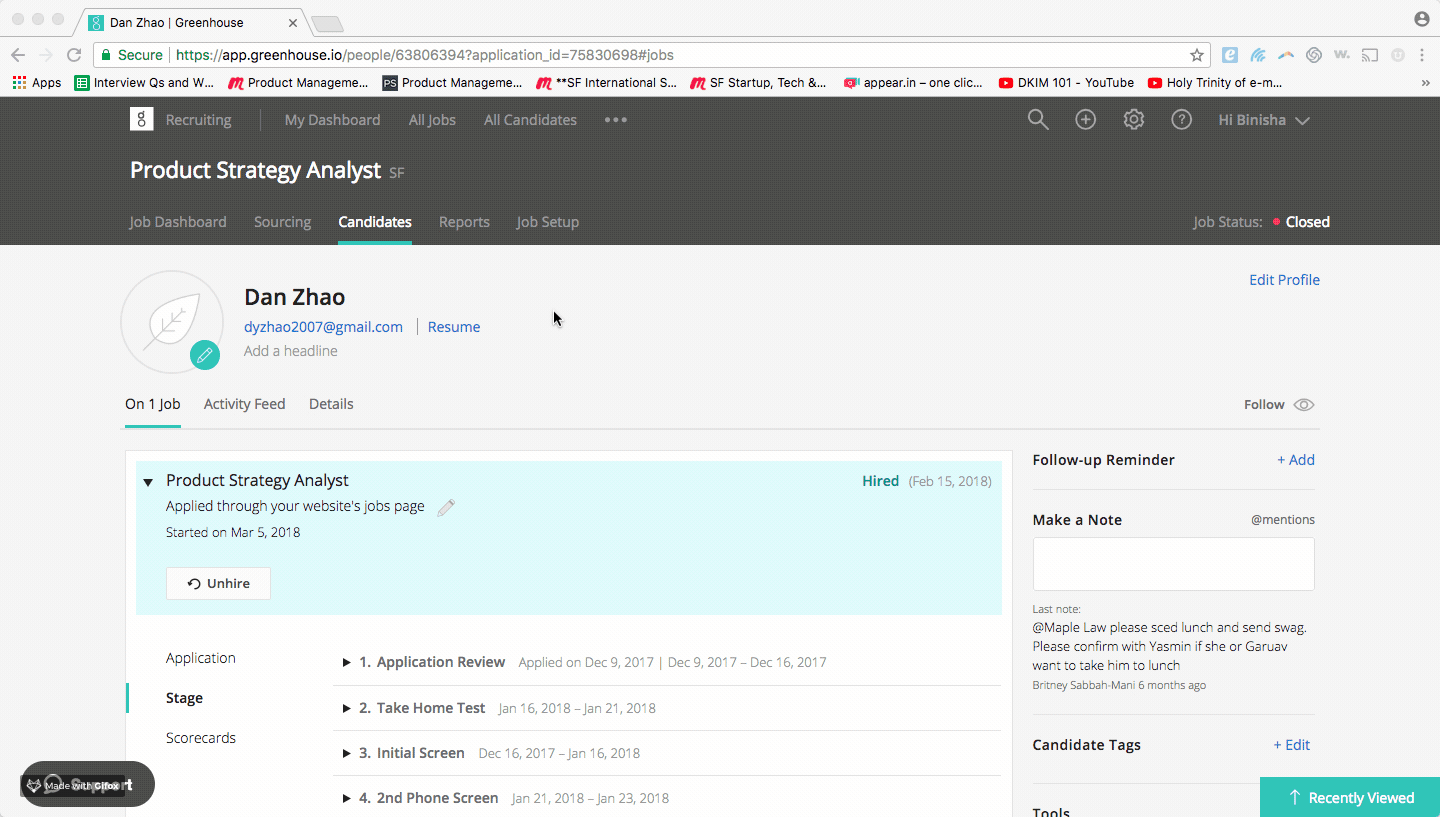
Greenhouse and Maildrop (Video)
You can log emails sent to a prospect or a candidate through Track within the Greenhouse Activity Feed.
To do so, BCC maildrop@greenhouse.io when you send messages via Track. To log candidate replies that go to your inbox and any email conversations that take place outside of Greenhouse and Track, you can forward an existing email thread to maildrop@greenhouse.ioas well.
Greenhouse identifies the relevant candidate by email address. It will then copy the email threads to the activity feed for the candidate that was matched.
First, ensure that the candidate or prospect is exported to Greenhouse.
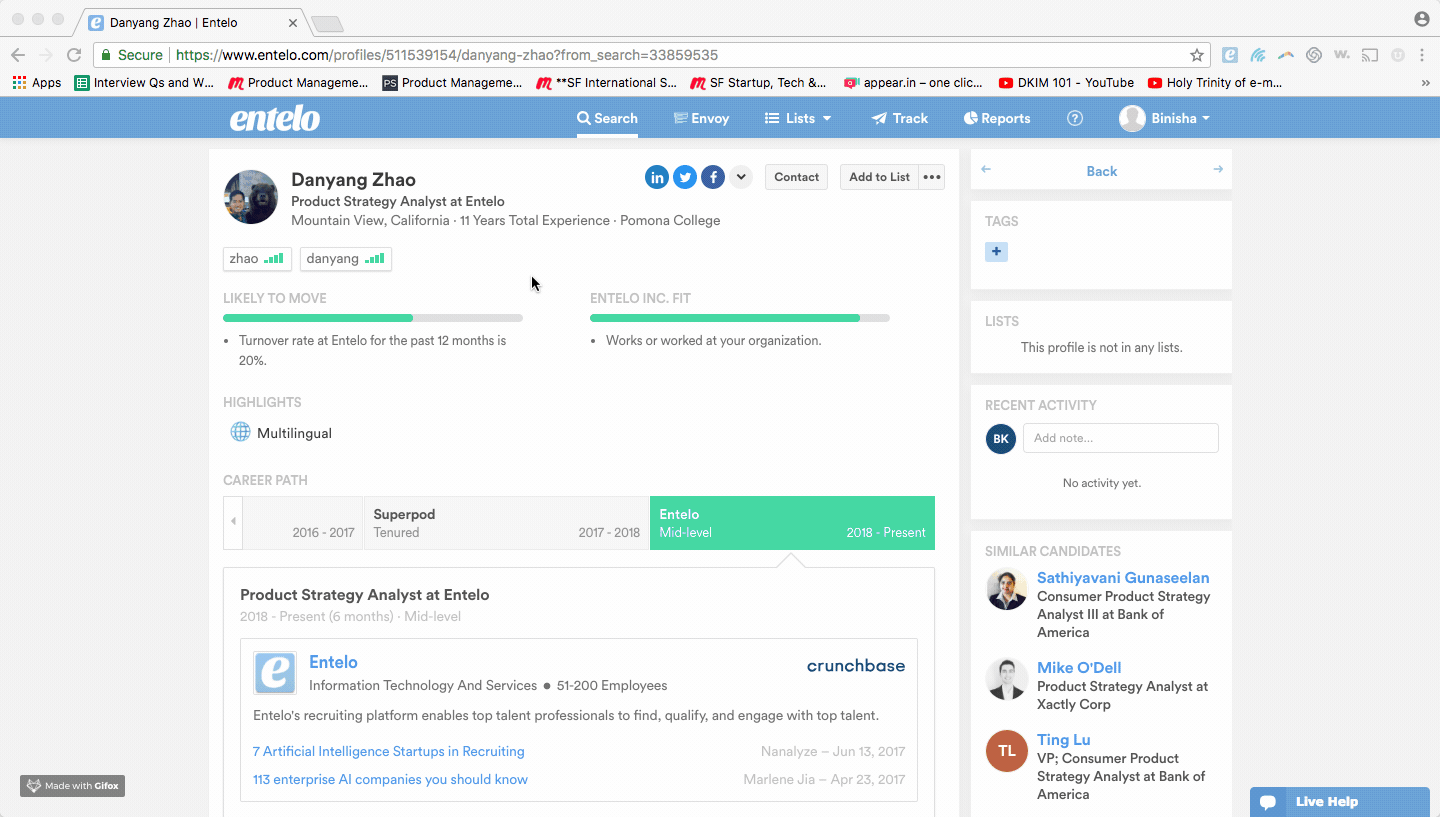
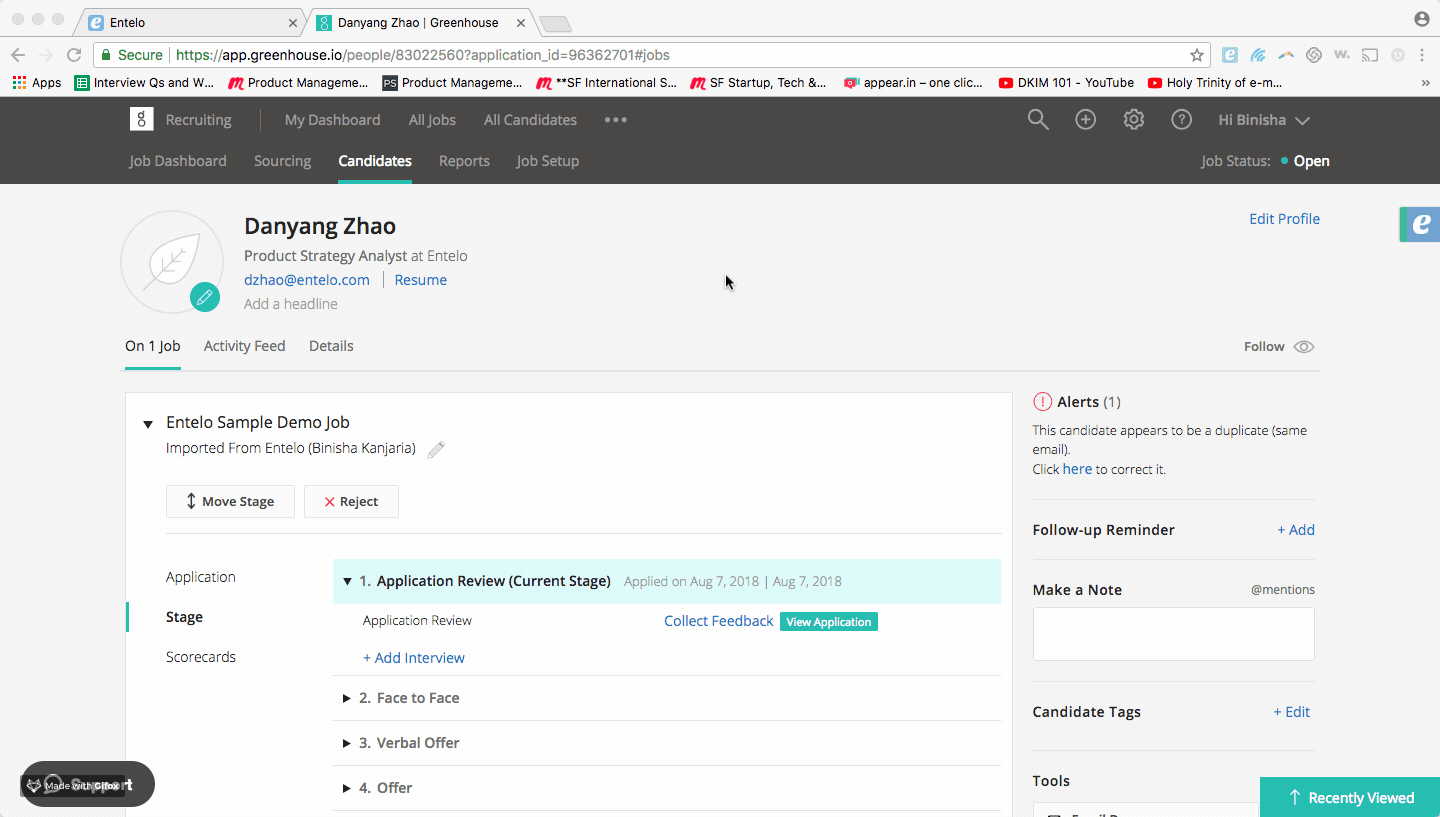
Next, under Track settings, you can add maildrop@greenhouse.io as a default BCC address.
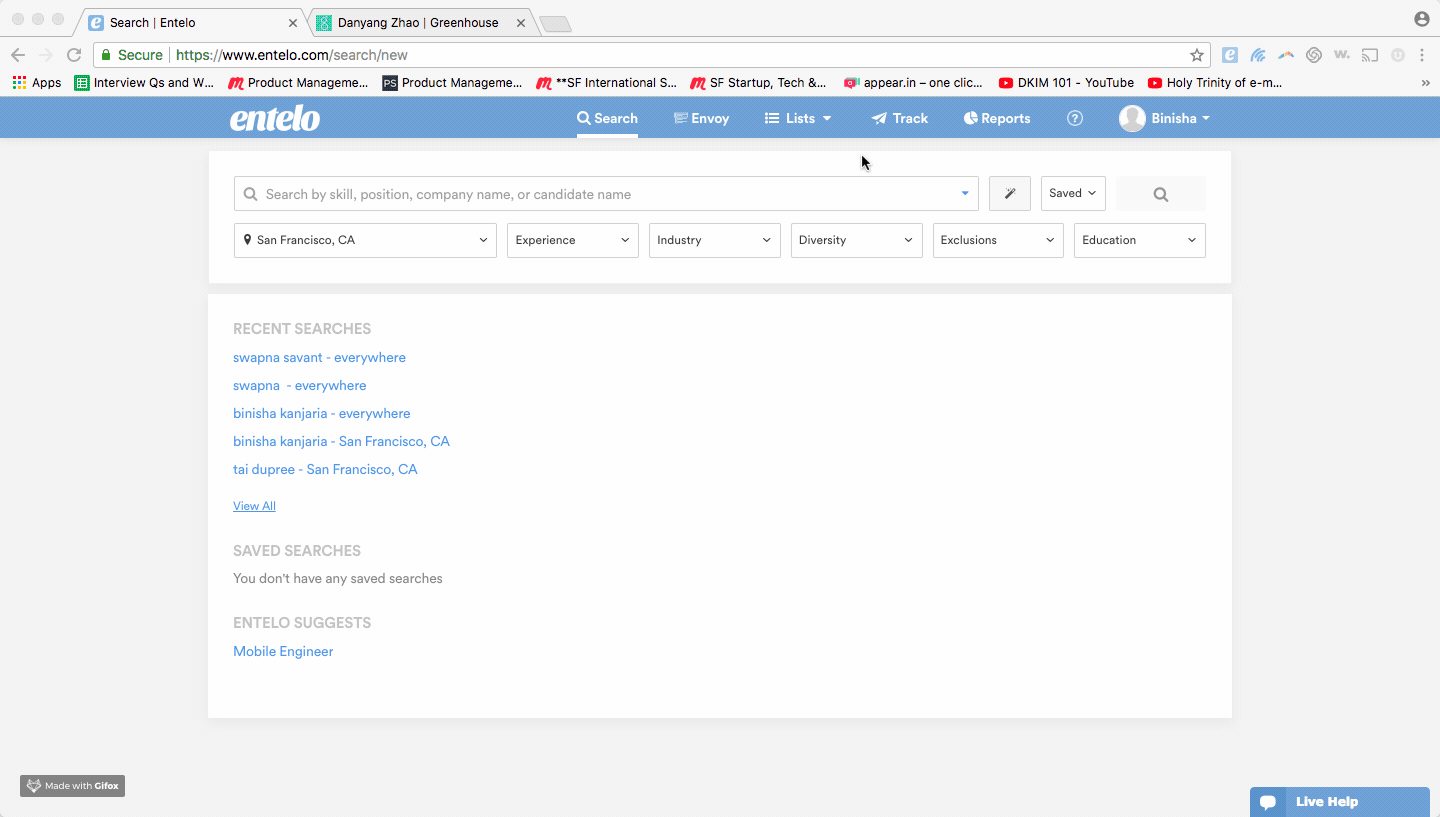
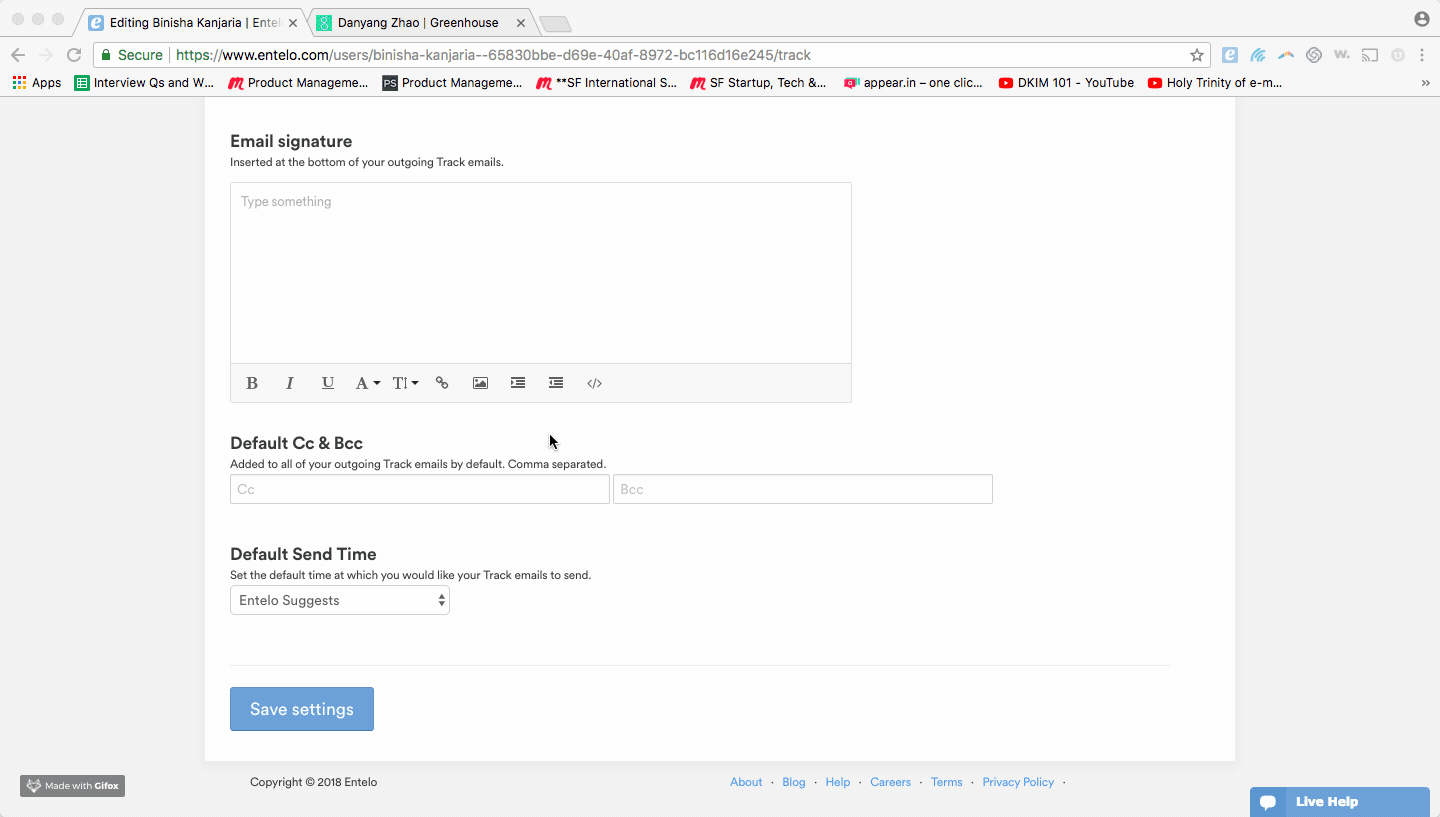
This ensures that Maildrop will automatically show up as the BCC address each time you send a message through Track.
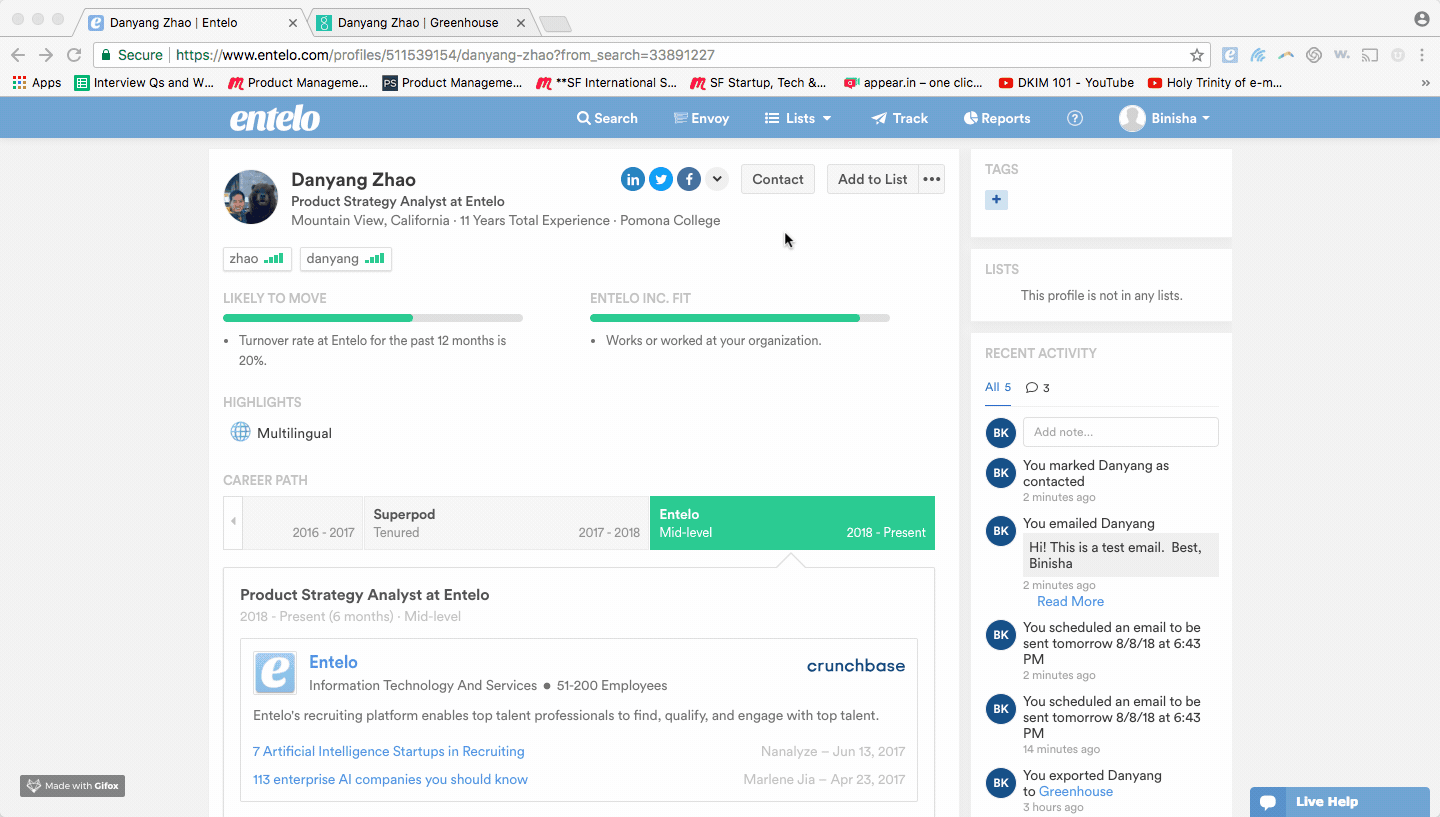
Now, when you email the candidate or prospect, Maildrop will 'drop' this email to activity feed in Greenhouse for the candidate associated with that particular email address.