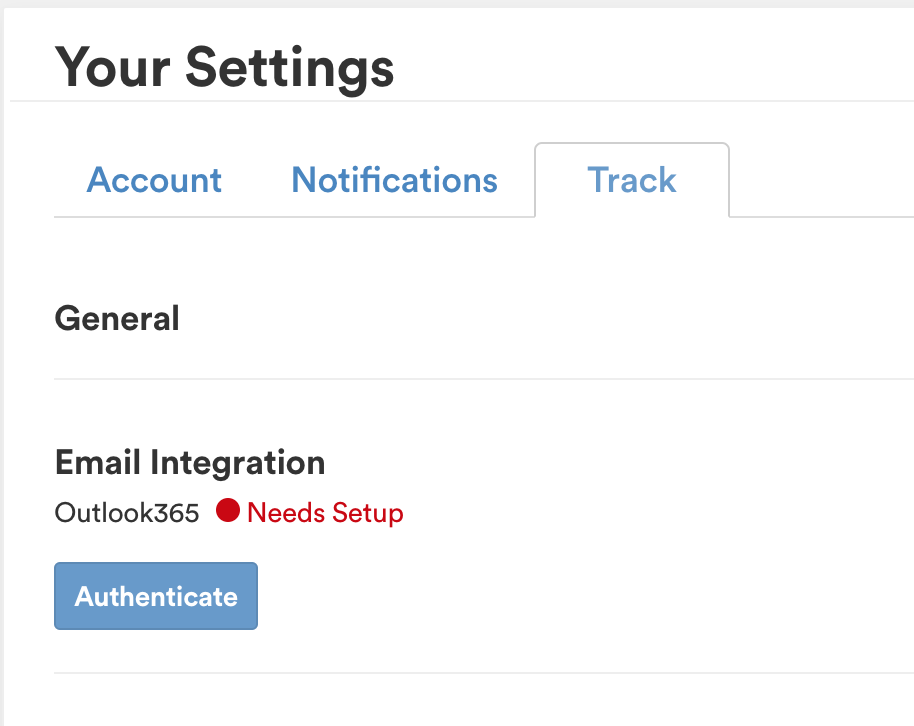
Office 365: Admin Approval Needed
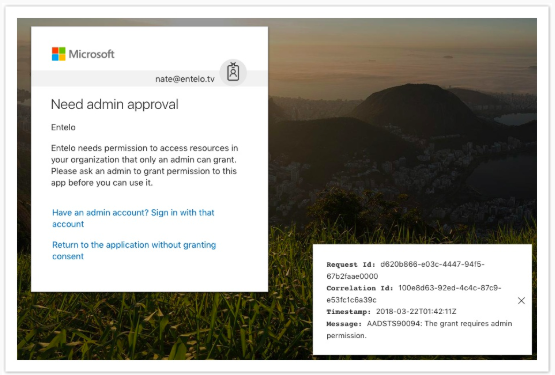
Users may get the following error when trying to authenticate with Office 365 (image below).
A user will encounter this error if their Office 365 Admins have enabled advanced security settings within Azure Active Directory (Microsoft's cloud-based application access management) to restrict access to third party applications (like Rival Search) at an Org level.
A Global Administrator with access to Azure AD can configure these settings to allow integration with Rival Search.
Step 1. Log into aad.portal.azure.com with Global Admin credentials to access the Azure Active Directory admin Center.
Step 2. On a separate tab, navigate to the following link:

Step 3. Clicking on the link will direct to the following window (since admin is already logged in from Step 1, they will not be prompted to login again). The admin will be authorizing on behalf of all the Rival Search users in their org.
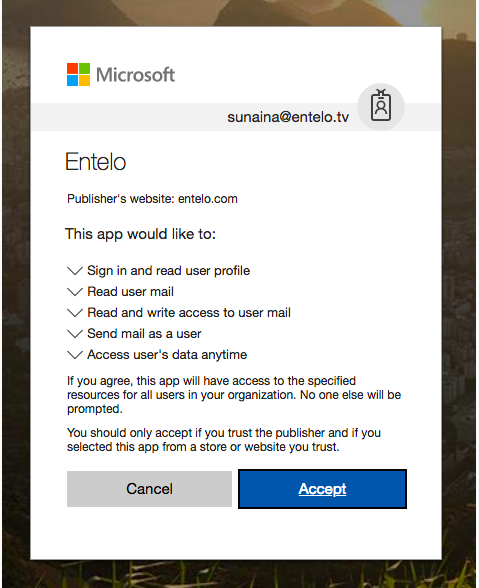
Clicking Accept will redirect them to Rival Search login page. Continue to Step 4 without logging in.
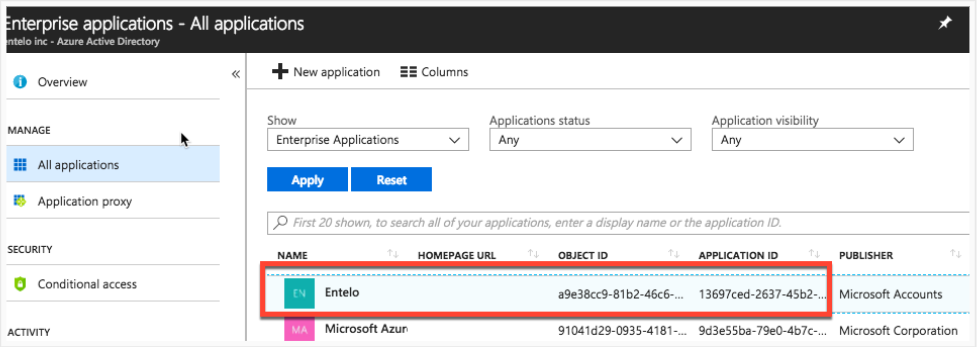
Step 4. Admin should confirm they see the Search app in Azure Active Directory, under Enterprise Applications:
Step 5. Once the admin has authorized on behalf of their org's users, the users only need to authenticate. Clicking on 'Authenticate' under Track Settings should immediately integrate their Rival Search account with their email inbox.