What is a Candidate Journey?
A Journey is a set of communications (email and/or SMS) that are sent to candidates as they progress throughout the entire hiring process. This ensures that all candidates stay informed and delighted throughout their interview experience with your company, and ensures they don't fall into the dreaded candidate black hole. Recruiters need to ensure they are moving candidates along in the process through their ATS system of record. All communication is automated with some personalization (i.e. department, role, brand, etc.) specific to your needs, this saves the recruiter countless hours of manual work and provides your candidates with a one-of-a-kind interview experience.
What are examples of some Journeys?
- A Journey for all candidates that are in Sales positions. Communications will automatically go out when a candidate applies to a job, when a candidate moves to the interview stage, moves to a rejection stage or moves to an offer stage.
- A Journey for all candidates that are in Accounting positions. Communications will automatically go out when a candidate has moved to a stage where they are marked as "Silver Medalist". The recruiter wants these candidates to be kept warm for positions that may open up in the next 60 days. The communications for this stage are "dripped" to the candidate every 15 days to keep the candidate's attention and interest.
What is in a Journey?
A Journey is composed of multiple components:
- Journey Name: It has to be unique, is only for internal use and will not be seen by candidates.
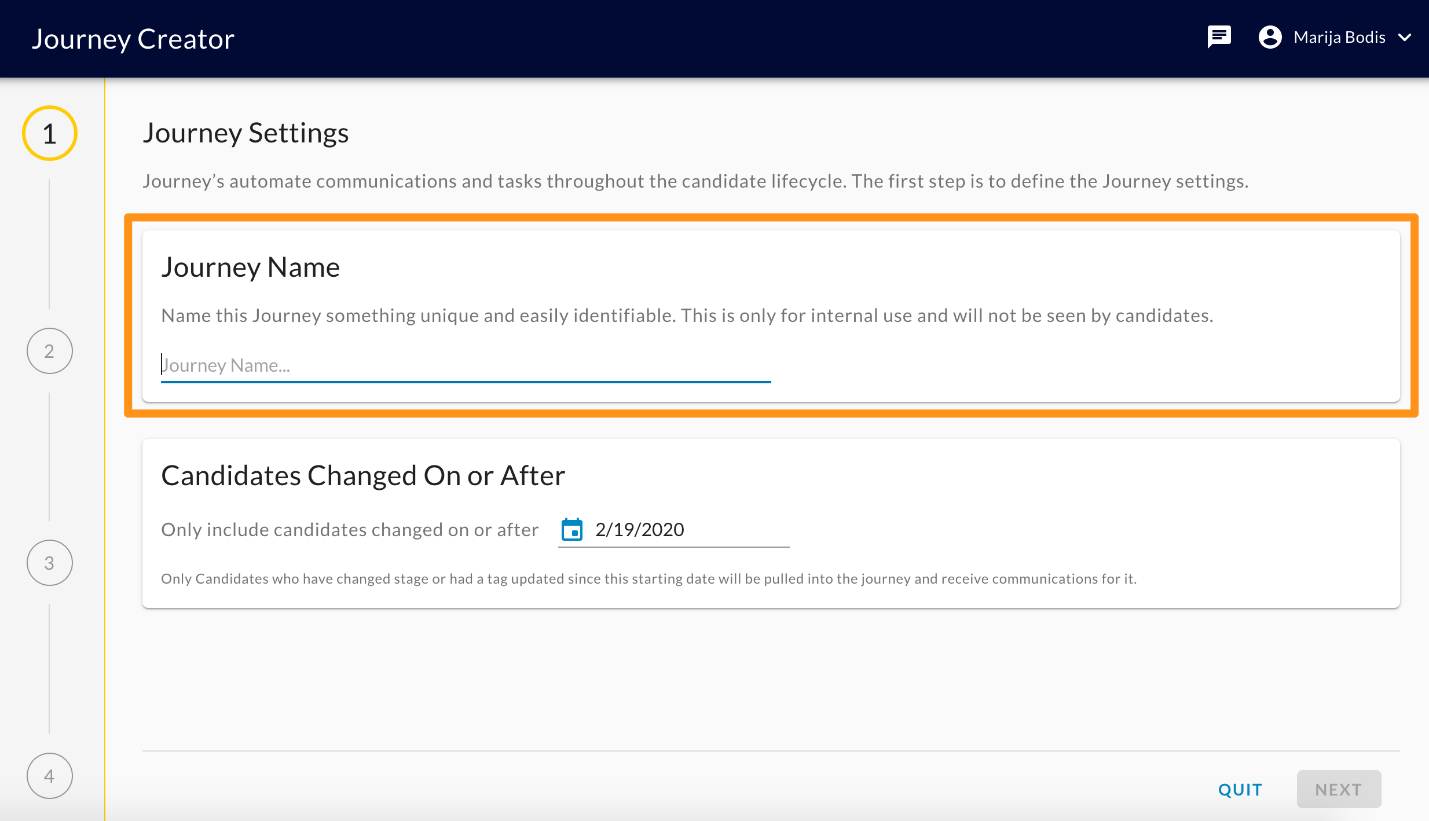
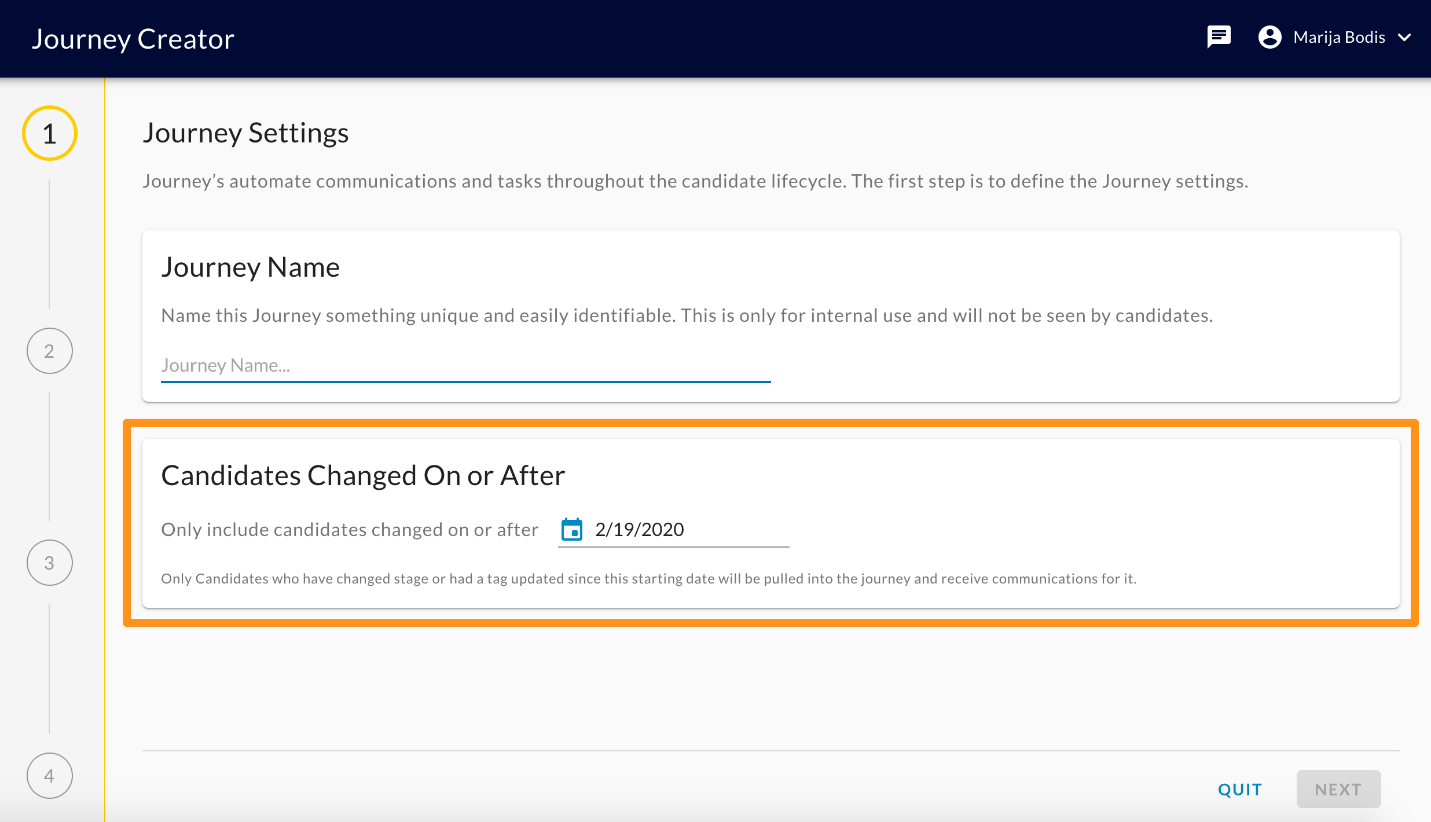
- "Candidates Changed On or After" date: Only Candidates who have changed stage or had a tag updated since this starting date will be pulled into the journey and receive communications for it.
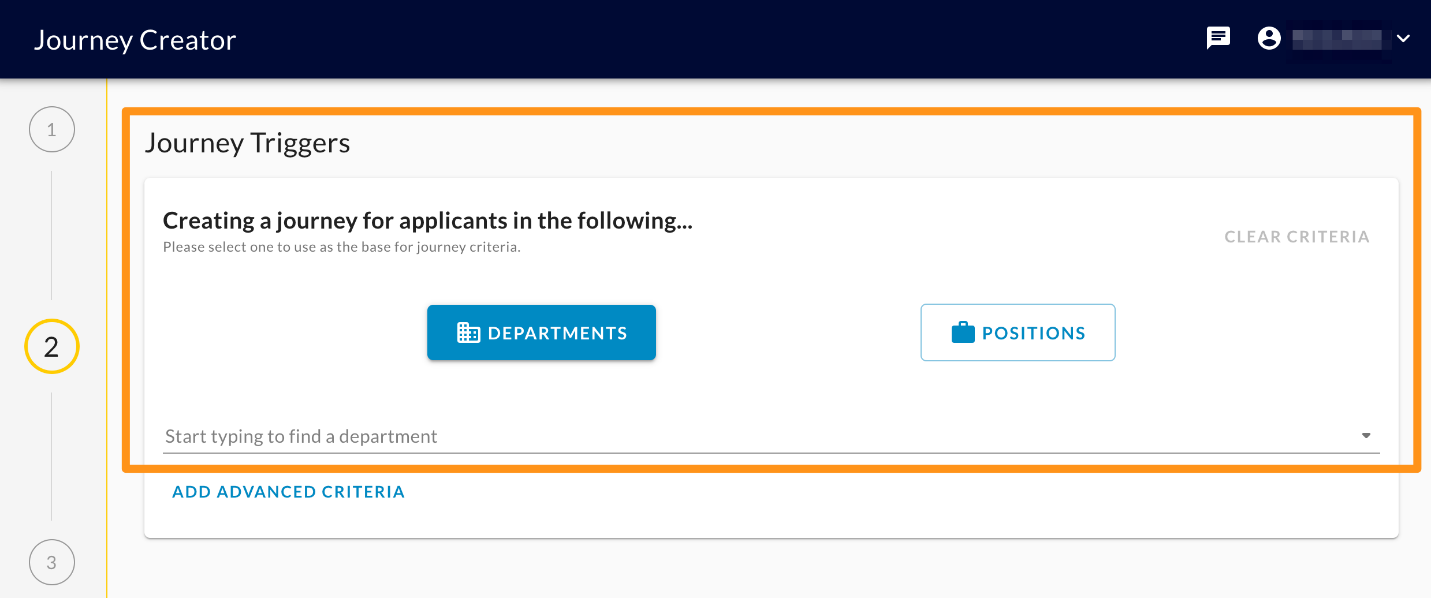
- Trigger Criteria: When setting up a Journey, recruiters define the positions or departments that the Journey is meant for. So, if a candidate's job application meets the trigger criteria, they'll be added to that Journey.
- Advanced Trigger Criteria: When setting up a Journey, recruiters can define advanced trigger criteria for more complex scenarios. The current set of trigger criteria is limited to the following (but may be expanded later, based on customer feedback and desired use cases)
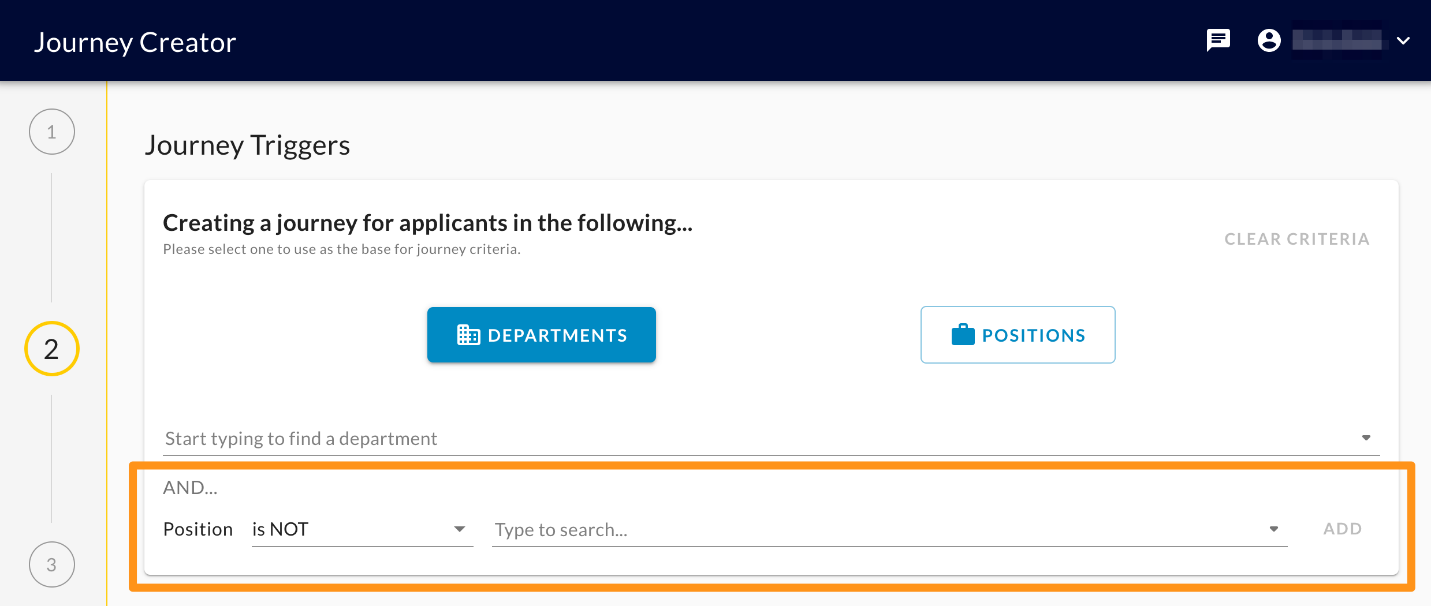
- Position is NOT: the selected position will be excluded
- Position name exactly matches: the journey will apply only to the position with the exact name
- Position name contains: the journey will apply only to the positions that contain the entered word(s)
- Position name does NOT contain: the journey will apply only to the positions that do not contain the entered word(s)
- Position location is:the journey will apply only to the positions that have the chosen location
- Position location name contains:the journey will apply only to the positions whose location includes the entered word(s)
- Paths: A path is the set of communications (Email and/or SMS) and communication delays that are sent to the candidate when they reach a specific state in the hiring process. Recruiters will set up one path per the ATS stage within the Journey.
- Path Templates: A path template defines a set of best-practice content and cadences of communications. It can be used as the basis for setting up the content for each stage in the hiring process to get a Journey up and running quickly.
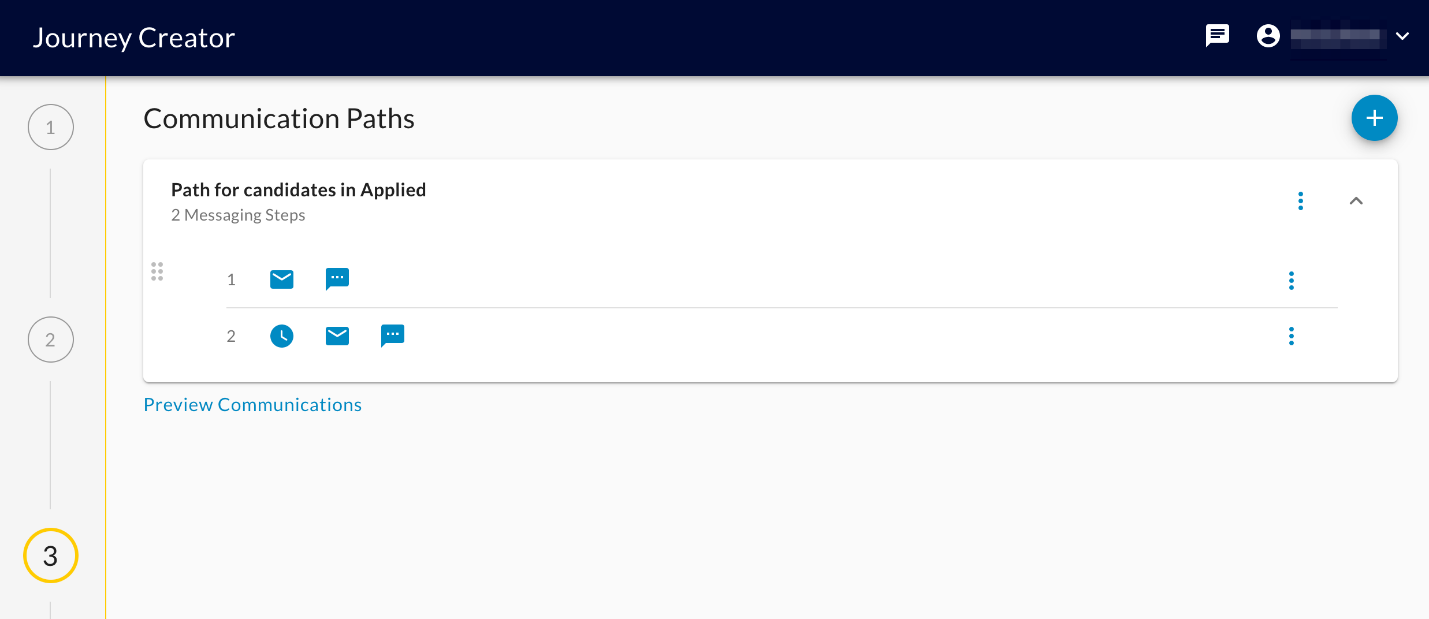
Journey Status:
- Draft: A Journey can be in a draft state where it's still being edited/modified before it's ready to be used.
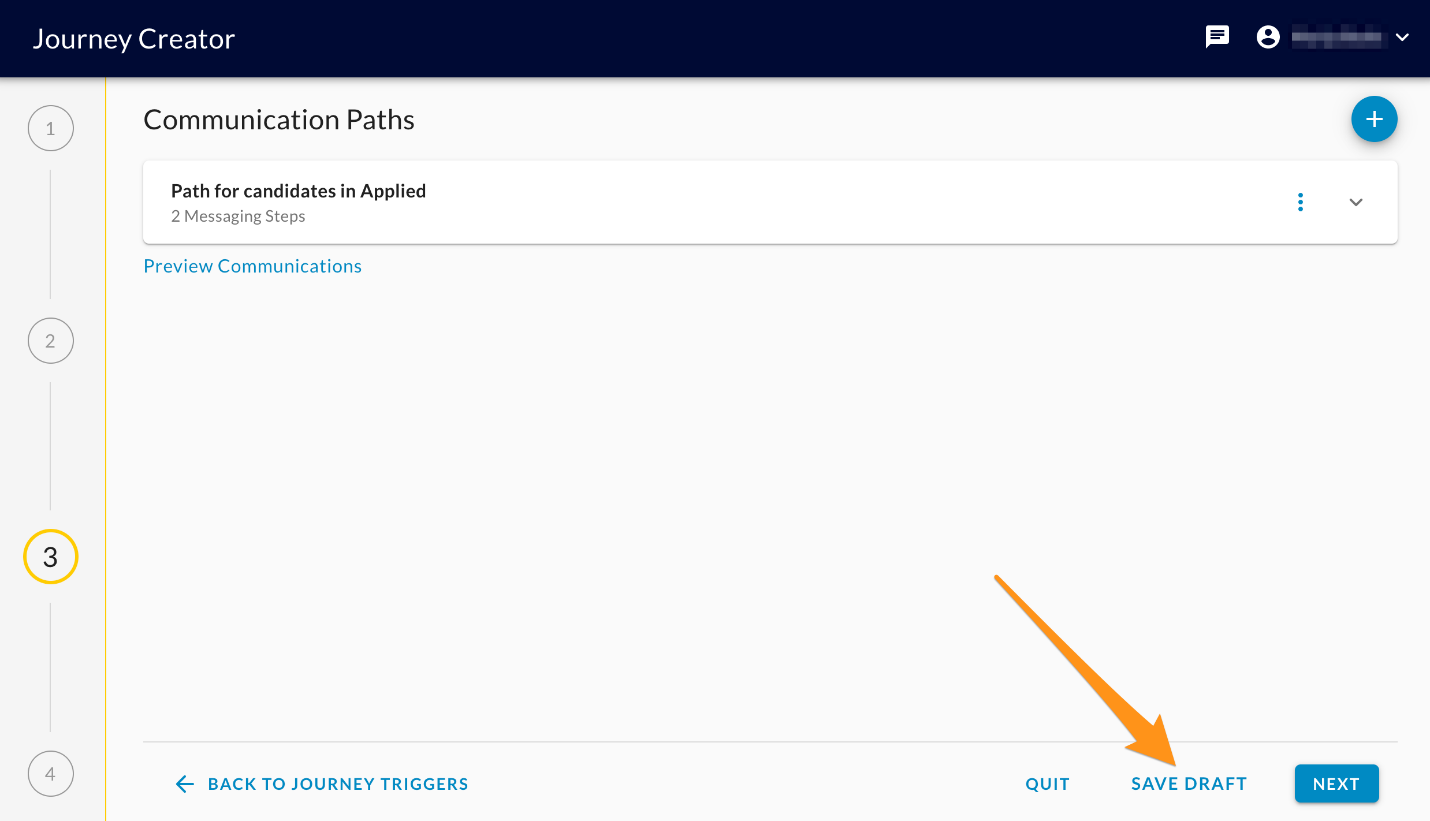
- Active: Once ready, it's put into an active state where it's running and candidates are evaluated to be entered into the Journey and its paths.
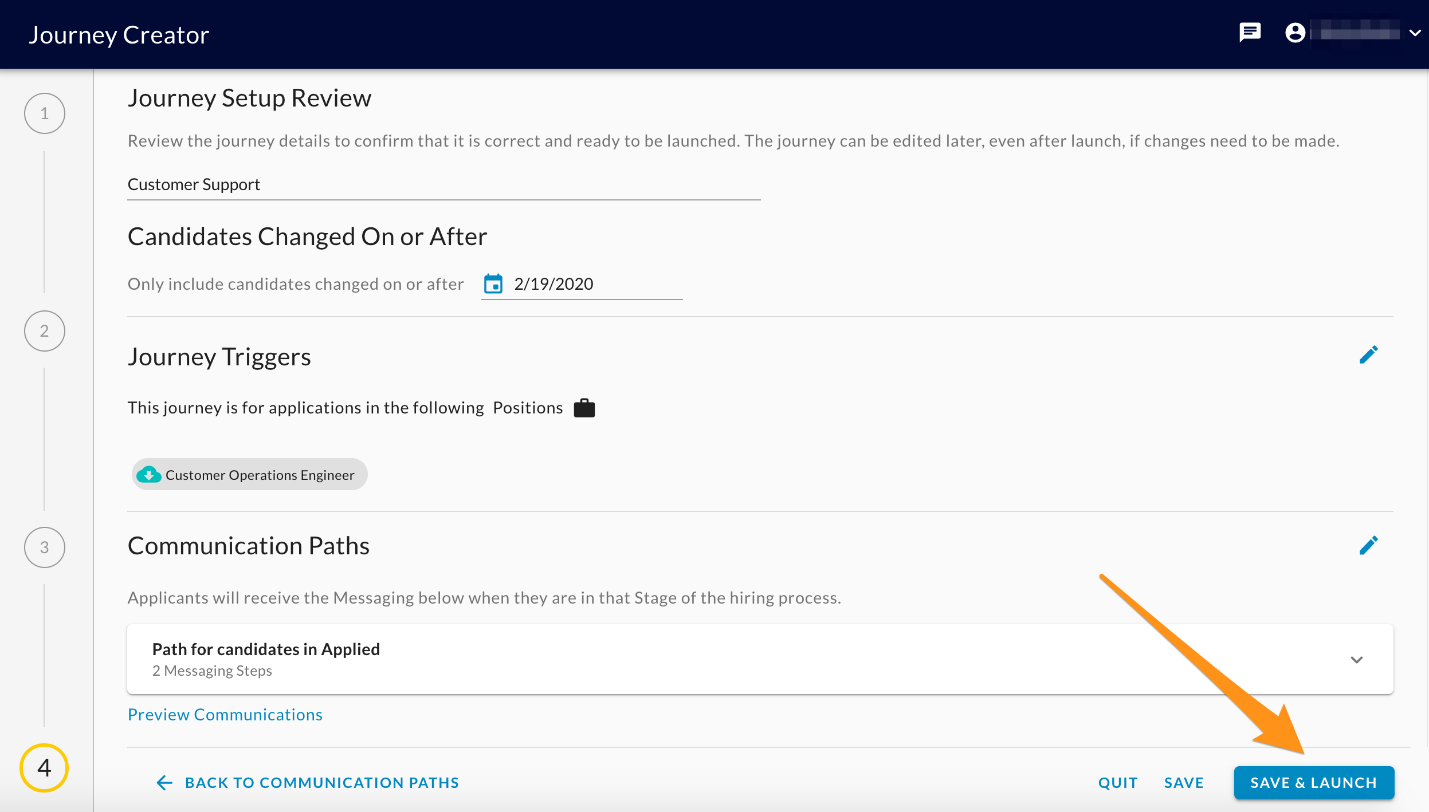
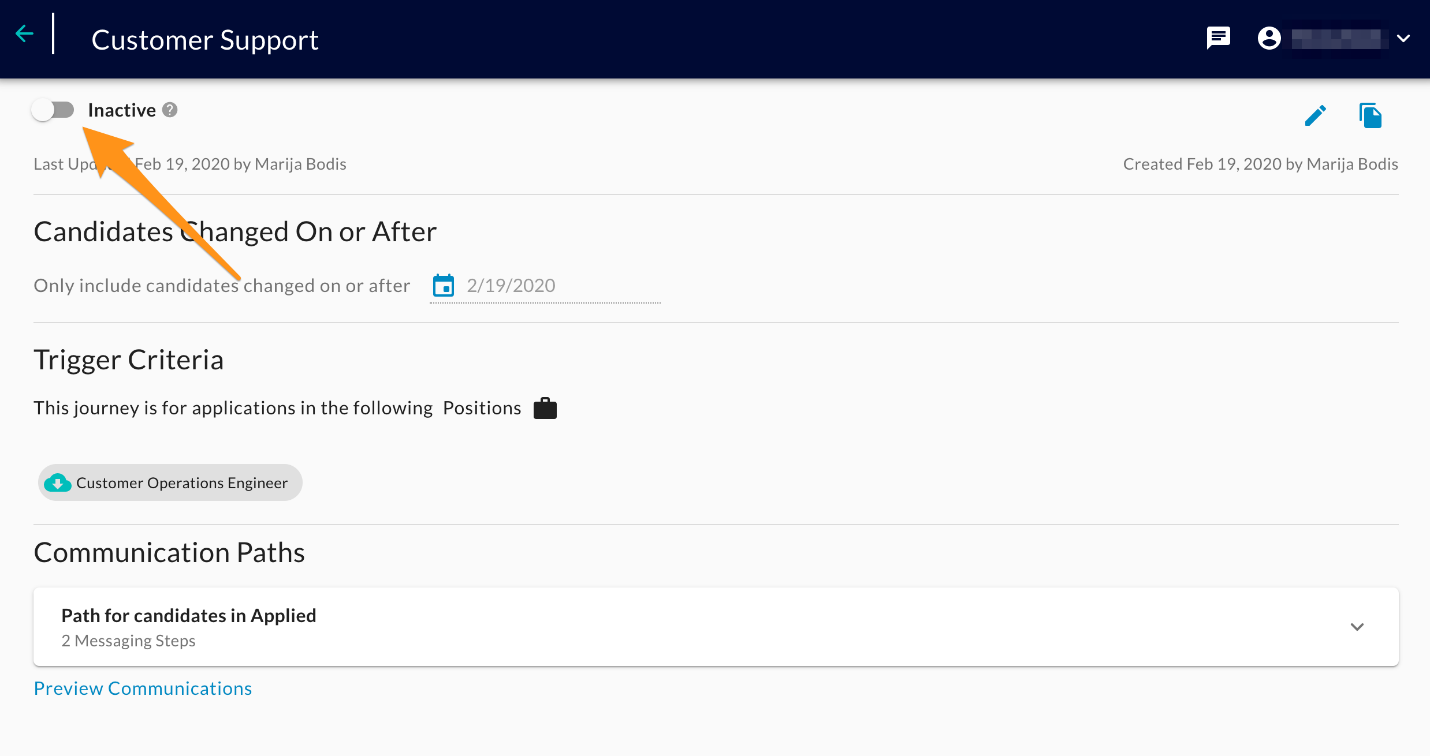
- Inactive: A journey can be put into an inactive state where it is suspended. Candidates will not be evaluated to enter the journey and the paths will not be evaluated for candidates that already exist in the journey.
What triggers a Journey to be sent to candidates?
Step 1: When the following actions occur, candidates are evaluated against the Journey trigger criteria:
- Import of candidates (new and updated)
- Activation of Journeys
- Change of Journey Trigger Criteria on existing Journeys
Step 2: Candidates that meet the trigger criteria of the Journey are added to the Journey
- Candidates will not be added to inactive (suspended) Journeys.
- Candidates that are already in the Journey will not be re-added.
- Existing candidates that no longer meet the trigger criteria of the Journey are removed from the Journeys they are part of.
- Candidates that are in a Journey are evaluated for the status criteria for each path.
- Candidates that meet the status criteria of a path are added to that path.
- If the Journey is inactivated (suspended), path evaluations don't occur for candidates in the journey.
- For candidates that are in positions that are closed, path evaluations don't occur for those candidates in that journey.
- Existing Candidates that no longer meet the status criteria for a path are removed from that path.
Other Rules:
- When a Journey has its trigger criteria updated, candidates that no longer meet the criteria will be removed from the Journey. However, these candidates may already be going through the message cadences within a path. These candidates will continue through this cadence until the end of the path.
- When a Journey is inactivated (suspended), no new candidates will be added to the Journey and existing candidates will remain in the Journey as long as they meet the trigger criteria.However, these candidates may already be going through the message cadences within a path. These candidates will continue through this cadence until the end of the path.
- When a Journey is Activated or its trigger criteria have been updated, the system will evaluate existing candidates to determine if they meet the trigger criteria of that Journey. We are limiting the set of candidates to be evaluated to candidates that have had a change in the last 90 days.
- When a path is saved with changed path conditions, it is saved as a new path version (child of the existing path - This leads to a hierarchy of paths that are referred by a parent Id)
- When a candidate meets the conditions of the path, we check to see if they have been previously executed in any versions of the path in the hierarchy. If they were already executed, we do not add them to the latest version. If they were not executed, we add them to the latest version.