Employee card
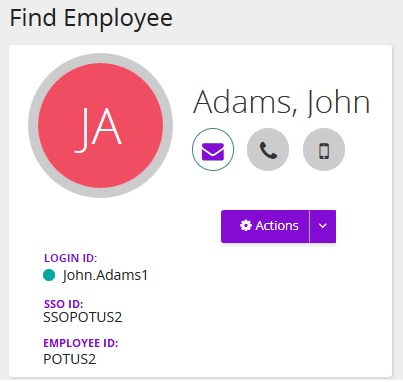
Employee card shows information about an employee. The information comes from the Employee Profile.
- Hover over an icon (mail, phone, cell) to see that information.
- Click the mail icon to initiate an email.
- The green dot beside Login ID indicates employee is an active employee. A red dot indicates a retired user.