Adding, moving, editing, and deleting elements
Adding an element to a survey
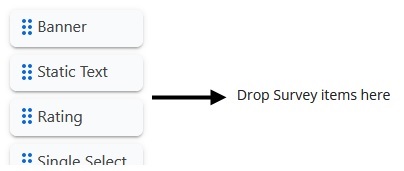
Click an element and drag it to the survey form:
Moving an element on the survey form
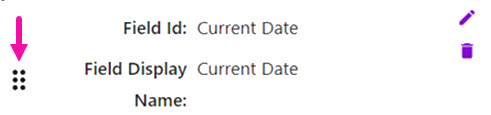
After an element is on the survey form, click the dots on the item. When the mouse pointer becomes a hand, move the element up or down:
Editing an element
Click on the pencil icon to edit an element:

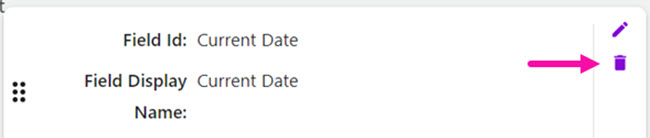
Deleting an element
Click on the trash icon to delete an element: