Merge fields in self-service Form Builder
A merge field references a specific data element in your Rival Workflow database. Use merge fields to personalize data on a self-service Form. Sometimes merge fields are also referred to as inline text.
You can include merge fields on these elements:
There are two ways to add a merge field to a Form:
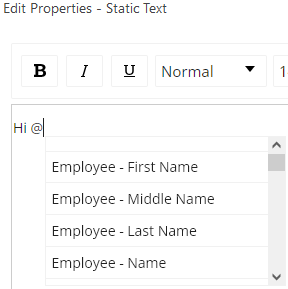
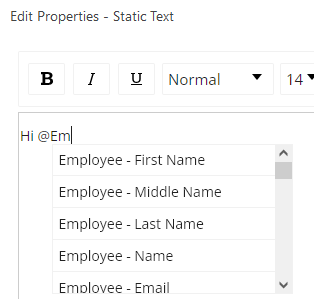
- Position the cursor where you want it and type @ and then select a merge field.
- Position the cursor where you want it, click @ on the tool bar:
 and select a merge field: