File size limitation for content imports
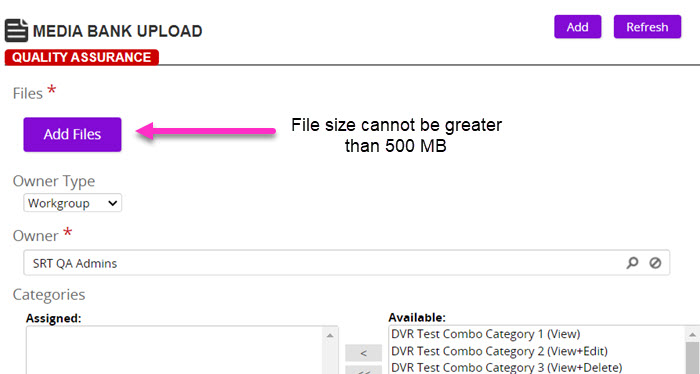
Rival Learn limits the size of content imports to 500 MB per import. This file size limitation applies to the import process—like when adding files in the Media Bank and importing a SCORM or AICC package.
. 
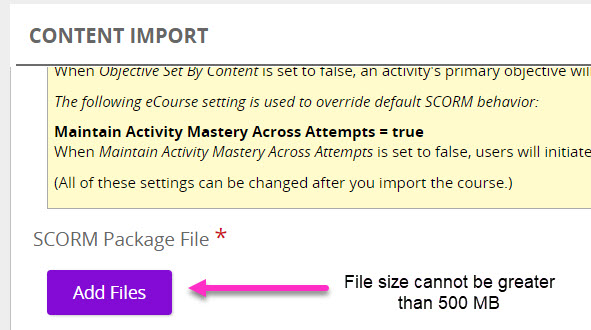
If you have large files like videos and images, best practice is to optimize them before importing them into Rival Learn.
Optimizing content
Optimizing content before you upload/import into Rival Learn achieves two things:
- Reduces file size
- Ensures an optimum viewing experience when consuming course content
Here are some tips on optimizing content:
| Content type | How to optimize |
|---|---|
| Images |
|
| PowerPoint | Lower the default resolution for images to reduce the overall file size. |
| Videos |
|