Organization Units page
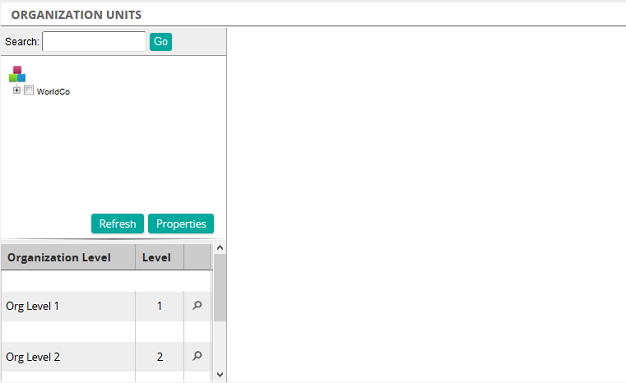
On the Organization Units page, you create an org chart by creating organization units based on levels. The number of levels required is established and setup during setup configuration. These levels can be labeled and customized for your organization. The maximum number of levels is 10.
If created, your organization's org chart appears in the upper left. If organization units (levels) have been assigned, the org chart has a plus sign. Click the plus sign to expand to see the hierarchy.
Below the org chart are the organization levels. To find a specific organization unit, click  beside an org level. For example, to find an organization unit at the second level of the org chart, click for Org Level 2. A search box appears in the upper right of the page.

From the search box, you can:
- Enter search criteria such as title, reference, or external key to quickly find an organization unit
- Filter an organization unit
- Add an organization unit