Planning Board
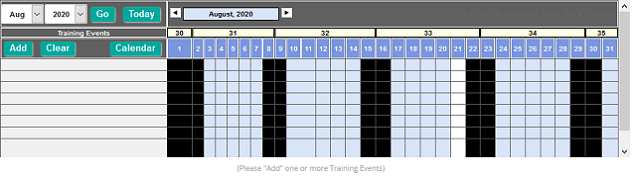
Use the Planning Board to plan and schedule training events, training event sessions, student rosters, instructors, vendors, equipment and training locations. It is great for:
- Creating multiple sessions for a training event
- Comparing session schedules or resources used for sessions to resolve resource conflicts across the organization. Resource time conflicts (when a resource is scheduled for more than one activity during the same time period) are automatically flagged to allow users the ability to resolve the resource conflict by selecting a different resource or changing the scheduled time for the event.
The Planning Board has two components: Event Session Calendar and Resource Calendar. The Event Session Calendar is where schedules for multiple events can be compared, viewed, and added.