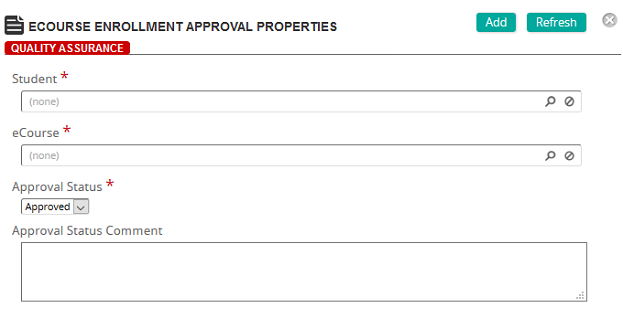
eCourse Enrollment Approval Properties page
Fields
Student: Click  to display the Students page to search for and select a student.
eCourse: Click to display the eCourses page to search for and select an eCourse.
Approval Status: Select either Approved or Pending.
Approval Status Comment: Type an approval comment.