Using rollup rules
Rollup rules can be set for any parent tree item to define behavior for the parent based on the status of the child items. Child items can be set to rollup values for objective satisfied, progress completion, and attempts. Default Rollup Rules are applied in a specific order when Use Default Rollup Rules is set to ON:
- If ALL child objectives NOT Satisfied OR Attempted then cluster objective NOT Satisfied
- If ALL child objectives Satisfied then cluster objective Satisfied
- If ALL child progress NOT Completed OR Attempted then cluster progress Incomplete
- If ALL child progress Completed then cluster progress Completed
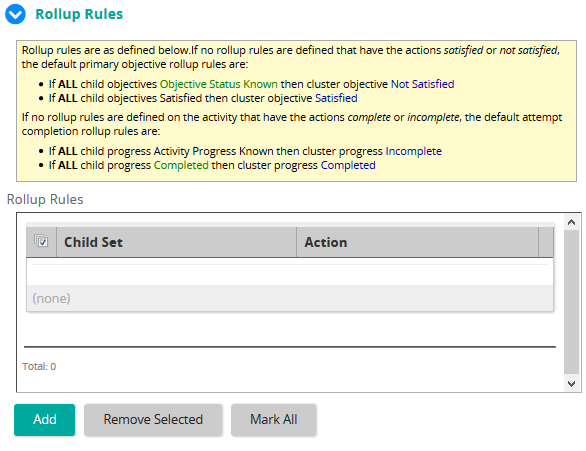
Users can define specific rollup rules for the cluster if required.
If no rollup rules are defined that have the actions satisfied or not satisfied, the default rollup rules are:
- If ALL child objectives NOT Satisfied OR Attempted then cluster objective Not Satisfied
- If ALL child objectives Satisfied then cluster objective Satisfied
If no rollup rules are defined on the activity that have the actions complete or incomplete, the default rollup rules are:
- If ALL child progress NOT Completed OR Attempted then cluster progress Incomplete
- If ALL child progress Completed then cluster progress Completed
Like sequencing rules, Rollup rules can be assigned to a parent cluster item to define the status of the parent based on the current state of one or more child items.