Reference Properties page
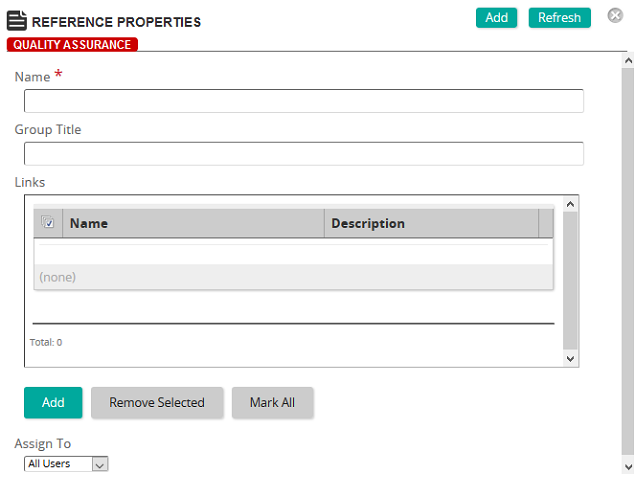
On the Reference Properties page, you define the properties for the reference.
Fields
Name: Type a name for the reference group.
Group Title: Type the group title.
Links: Click Add to display the Reference Link Properties page where you add a media item or items to the reference.
Assign To: Select one of the following options:
- All Users: The reference is available to all Rival Learn users.
- User Criteria: The reference is available to users based on the user criteria selected.
User Criteria: If you selected User Criteria in the Assign To list, select the criteria to limit the users who can access the reference. You can limit by jobs, groups, job categories, and organizations.