Survey Properties page
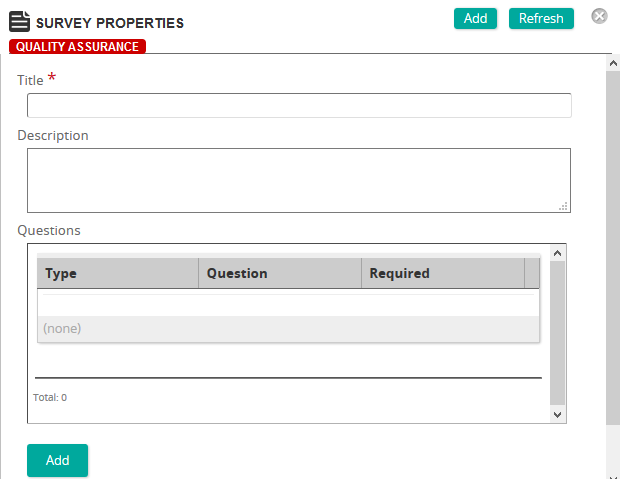
On the Survey Properties page, you define the properties for a survey.
Fields
Title: Type a title for the survey.
Description: Type a description for the survey.
Questions: Click Add to add questions to the survey. On the Survey Question Properties page, type the question and select the question type.
Links: Click View Links to see any associated links to training activities or content objects.