Creating equivalencies
To create equivalencies, a Rival Learn administrator:
- Adds equivalencies to a competency
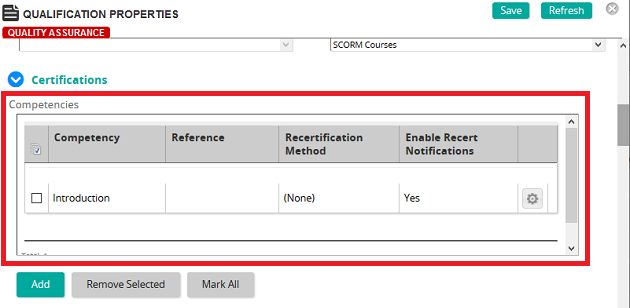
- Adds the competency to a learning journey so that is pushes to student training
Equivalencies and competencies
Equivalencies are defined on the Competency Properties page in the Equivalencies list.
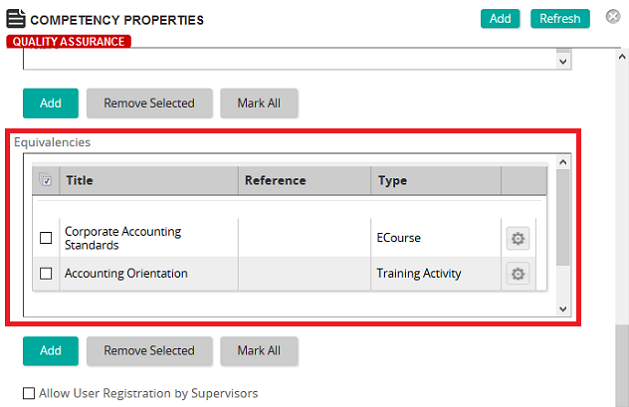
An administrator can add any combination of assignments, training activities, eCourses, and requirements. Each item in the list is equal, and any one item can be selected by a student to satisfy the particular competency.
Competencies and learning journeys
Equivalencies get pushed to a student training via competencies associated with learning journeys. An administrator selects a competency (that contains equivalencies) on the Learning Journey Properties page.