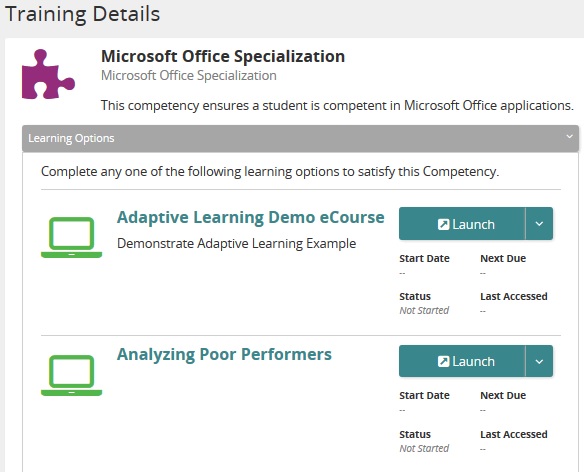
Learning options in the Student Portal
Equivalencies (learning options) appear in the Rival Learn Student Portal in these places: Learning Journeys and My Training.
Learning Journeys
Learning options (equivalencies) appear in Learning Journeys as a competency type for a learning journey. Click a link to see details.
My Training
Learning options are found under competencies. You can easily identify a competency by this icon:  . Access a competency and the learning options are shown on the Details page. It looks similar to this: