Administrator Properties page
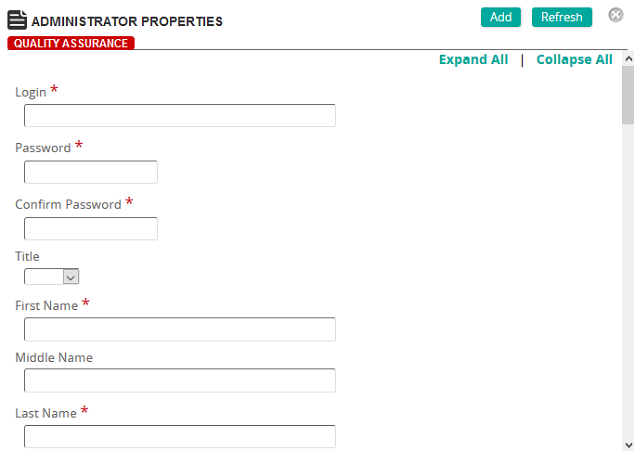
On this page, you define properties for an administrator.
Fields
Login: Type a login ID.
Password: Type a password.
Confirm Password: Re-type the password you entered in the Password box.
Title: Select a title.
First Name: Type the first name of the administrator.
Middle Name: Type the middle name of the administrator.
Last Name: Type the last name of the administrator.
Full Name: Type the full name of the administrator.
Email: Type the email address of the administrator.
Force Profile update on next login: Select this check box to force the administrator to update profile at next login.
Authentication
Security Settings: Click this button to restrict viewing access to specific data fields in an enterprise based upon individual or workgroup security settings.
Preferences
Organizational
Contact Information
Personal Information