Help CenterLearn AdminLearning: Manage and deliver trainingAssessAssess Course Continuing Education Credits (CEUs)
Student CEU Properties page
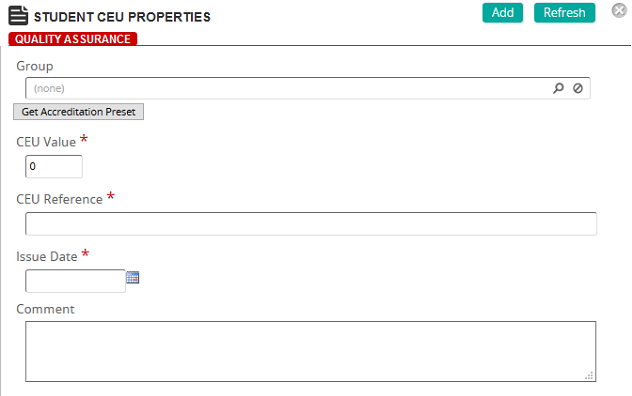
Fields
Group: Groups are used to modify the default CEU values set in the course properties. The CEU Matrix can be used to establish different CEU values based on a Group membership. Click  to search for and select a group.
CEU Value: Type the CEU value or click Get Accreditation Preset to use the default CEU settings.
CEU Reference: Type the CEU reference or click Get Accreditation Preset to use the default CEU settings.
Issue Date: Select the date from the calendar pop-up for the CEU credit. The default is the current date.
Comment: Type any comments to describe the student CEU.