Help CenterLearn AdminEnterprise: Configure and manage Rival LearnCommunityNotificationsNotification exemptions
Exempt certain users from receiving specific notifications
- From the navigation bar, click Enterprise.Under Community, click Notifications. The Notifications page opens.
- Click Search or filter the search by typing additional information into the filter boxes.
- In the list beside a notification, click
 and then click Properties. The Notification Properties page opens.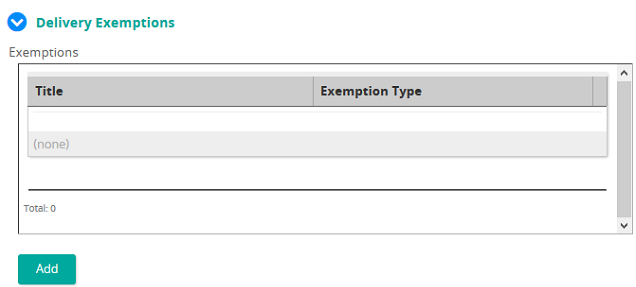
- Under Delivery Exemptions for Exemptions click Add. The Notification Exemption Properties window opens.
- In the Title text box, type a name for the exemption.
- In the Description text box, type a description of the exemption.
- From the Exemption Type drop-down box, select an exemption type.
- Click Select to link the appropriate User, Group, Job, Job Category, or Organization Unit you want to exempt.
- Click Add.
- Click Save.