Address Book Entry Properties page
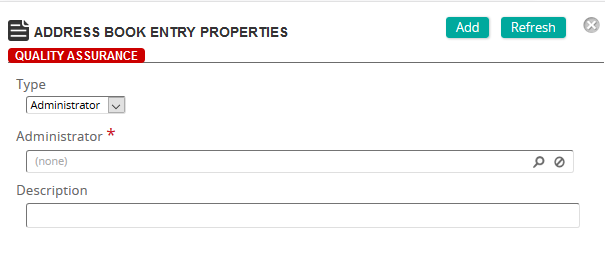
On the Address Book Entry Properties page, you define an address for a specific address type.
Fields
Type: Select one of the following address types:
- Administrator
- Instructor
- Student
- Student Group
- Workgroup
- Other
The type you select controls the remaining fields on this page.
Administrator (Administrator type selected): Click  to search for and select an administrator.
Instructor (Instructor type selected): Click to search for and select an instructor.
Student (Student type selected): Click to search for and select a student.
Student Group (Student Group type selected): Click to search for and select a student group.
Workgroup (Workgroup type selected): Click to search for and select a workgroup.
Other (Other type selected): Provide a last name, first name, middle name, company name, email address, and description.