Filters
Filters appear on the left side of the search page. They help narrow down your search so you can zero in on the right candidates for a job or build your general candidate pool..
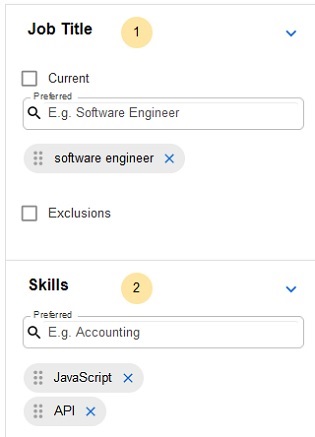
When you type an entry into a filter and select it, the selection becomes a gray chip. AI then generates intelligent selections similar to what you chose, which are grouped under +Show suggestions:
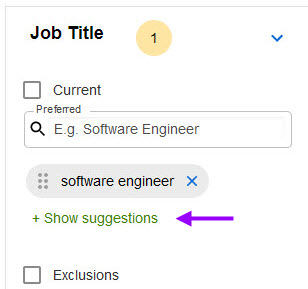
Click +Show suggestions to view and select additional filter items.