Import a passive candidate into Rival Recruit
- Alternate method: Import multiple passive candidates in bulk.
- Source the candidate using an open search or for a specific job posting.
- On their profile, click Import.
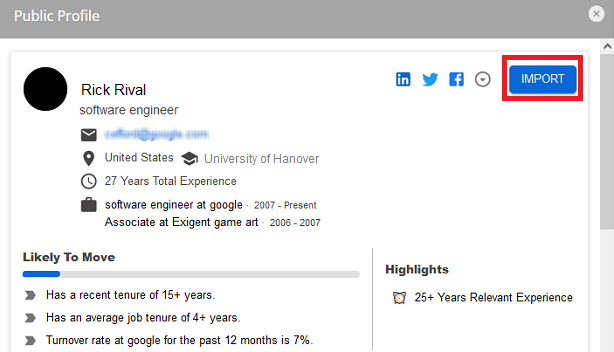 The profile is imported into Rival Recruit with a source status of Passive Candidate Search. If the profile was imported for a specific job posting, it is associated with that job posting. If the profile was imported by an open search, it is not associated to a job and is essentially an open submission.
Tip: You can search for all imported profiles using Advanced Search by selecting Passive Candidate Search in the Source filter.
Tip: Use tags to group imported profiles so you can easily find them later.