Turn on Checkr Integration
- Administrators may turn on the Checkr Integration feature and connect to Checkr account (or create one if needed).
- From the left navigation menu, select the Administration dropdown.
- Choose Settings.
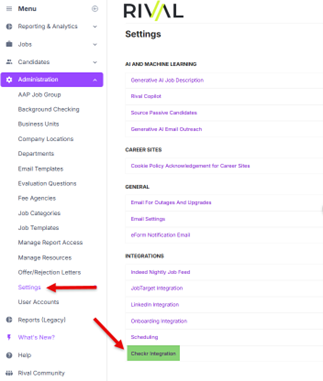
- Navigate to the Integrations section and select Checkr Integration.
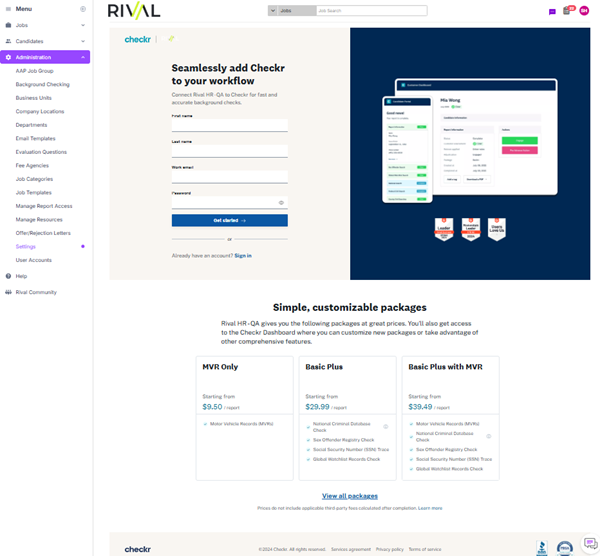
- You will be prompted to either sign in to an existing Checkr account or sign up for a new one.
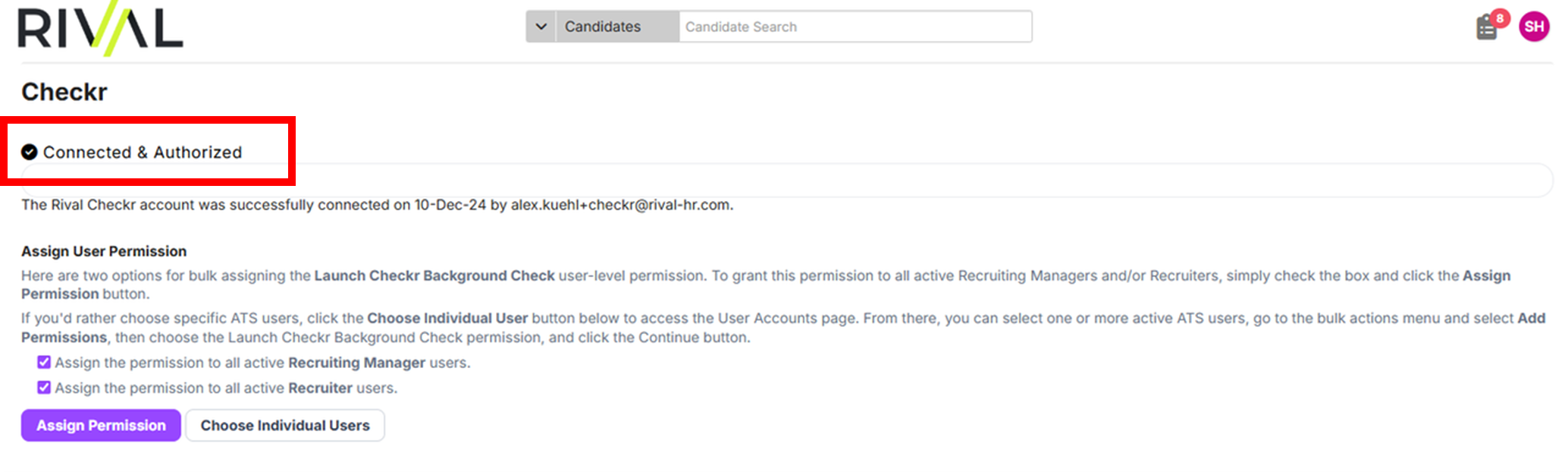
- Once connected, the integration status will be displayed. When approved to run background checks, the status will update to “Connected & Authorized”.