Help CenterRecruitIntegrations and add-onsBroadbean or JobTarget integrationBroadbean posting process
Re-post job to Broadbean
To re-post a job posting via Broadbean, there are two options.
Option 1: Repost button
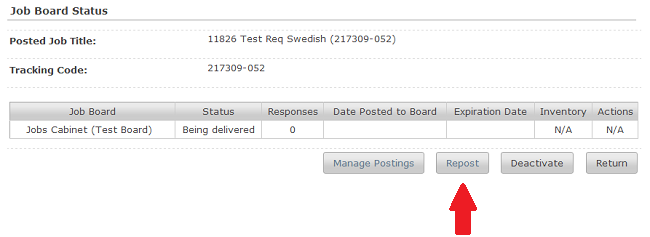
- Available on the View Board Status page.
- Choose this option if the posting has expired on all of the job boards.
- This option deletes the posting and replace it with a new posting created by completing a newly launched posting process.
Option 2: Manage Postings button
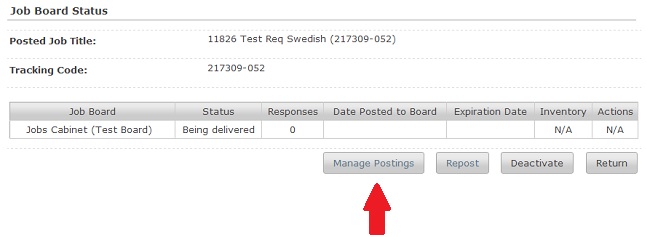
- Available on the View Board Status page.
- Choose this option if posting has not expired.
- Logs you in automatically into the Broadbean stand-alone app.
- Selecting Send with Changes option provides reposting options.
- Additional use case examples for using this option:
- You want to post the job to additional job boards that were not selected during the original posting inside Rival Recruit.
- You can also access metrics inside the Broadbean stand-alone app.