Review background checks using Checkr
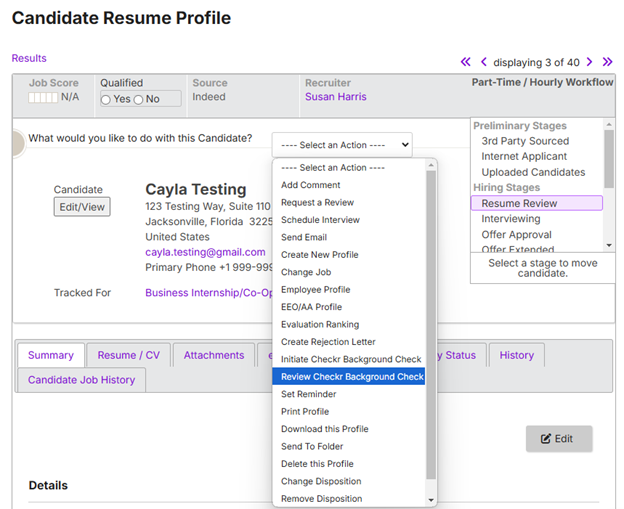
- On the Profile page of the candidate for whom you want to initiate a background check, click on the Select an Action drop-down menu, and select Review Checkr Background Check.
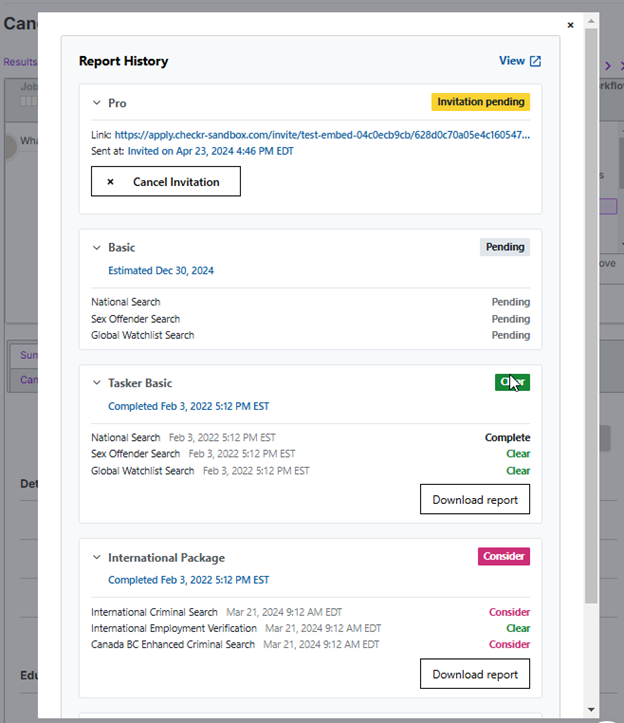
- The Report History pop-up will appear, allowing you to review results, Cancel Invitations, and Download reports.
- For more information on reports and report statuses, refer to How do I interpret a background report.