Dashboard Summary
The Dashboard Summary is the landing page for employees and managers after they sign in to Perform. It provides a quick view of what needs attention and shortcuts into the core performance modules.
The Dashboard Summary includes a welcome card, a New Tasks list, and module cards for common workflows.
What you can do from the dashboard
Welcome card
At the top of the page, the welcome card provides a quick snapshot area. (In newer layouts, this area may appear as a simplified card rather than an interactive drop-down.)
New Tasks
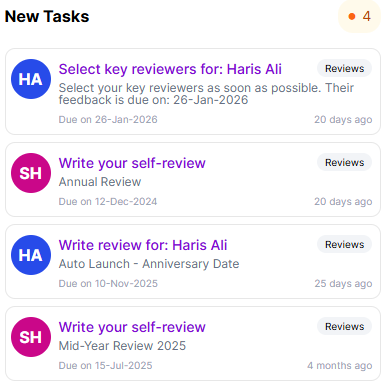
The left column displays New Tasks so you can quickly identify and open items that require action.
Module cards
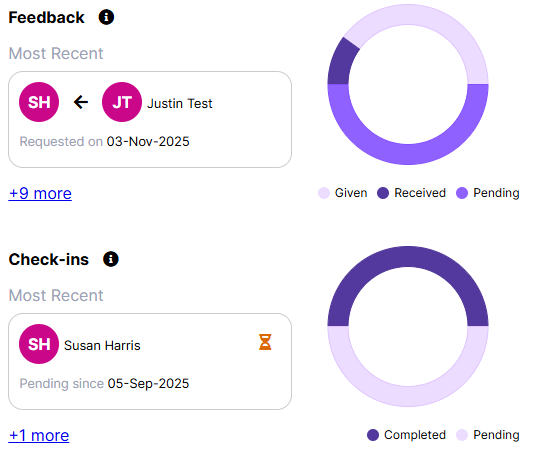
The right column contains module cards: Feedback, Check-ins, Expectations, Reviews, and Goals. Each card highlights your most recent item for that module and includes key details (for example, the person involved and relevant dates).
Use the module card links to open that module. If additional items are available, the card also provides a link to view the full list.