eForm Builder elements
You build an eForm by dragging elements onto the eForm and arranging them.
Basic elements
| Element type | Description |
|---|---|
| Section | Sections are used to group elements. Rename a section to anything you want. You can also include text instructions. On forms that support scores, any scores entered in elements under this section are rolled up to an overall score, which is the average of all scores on the form. |
| Ratable Text | Ratable Text is used to create a ratable element with a rating scale. Ratable Text is available on forms that allow ratings. |
| Text | Use to create a text label and input field. |
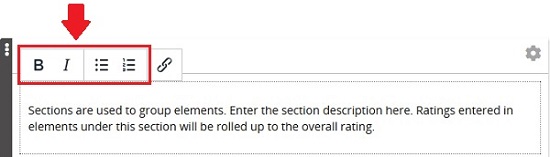
Text in section, text, and ratable text elements have formatting options:
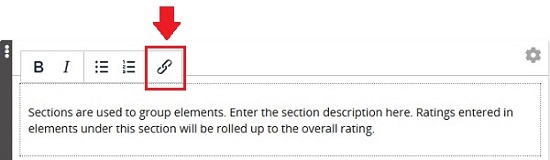
Embedded links can be added, too:
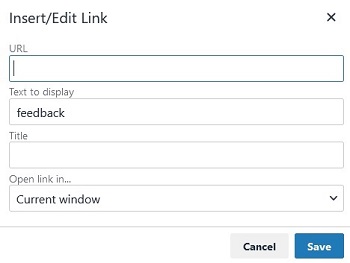
Define the URL, text to display, title, and whether to open in current or new window: