Check-in home page
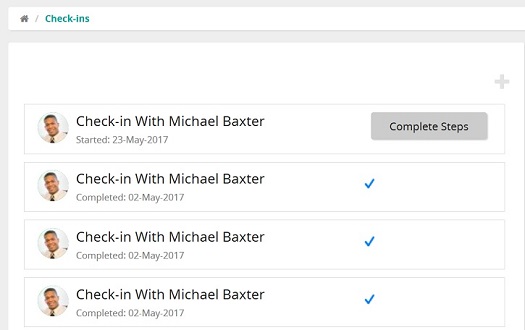
The Check-in home page shows your completed and on-going check-in meetings. On this page, you can:
- Prepare for a new check-in
- Select an on-going check-in meeting and continue the process
- See a list of completed check-in meetings (denoted by a blue check mark)
Each Check-in has a status line, which shows the date the check-in was started or completed.