Check-in wizard
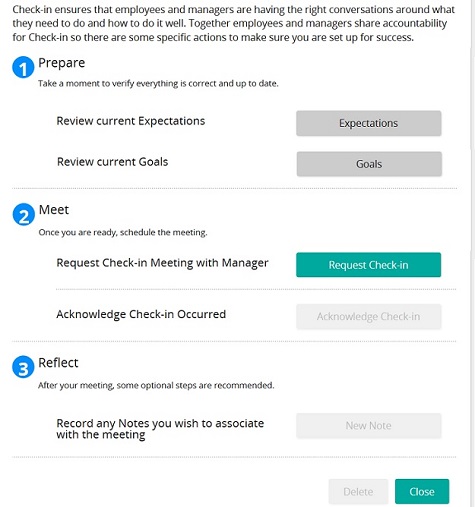
The Check-in wizard helps you and your manager track specific actions associated with your check-in meeting. Follow the steps in the wizard to complete tasks. After you complete a step, a blue check mark appears beside the step. You do not have to complete all wizard steps at one time. You can close the wizard and continue later.
Note: Your wizard may look different than the sample above depending on the options your administrator selected.